
Getting started
Quick start: creating an organisation
Self-service sign-up creates a new organisation, makes you its first administrator and starts a trial. This page covers exactly what sign-up does, so you know what is already in place and what is not.
Written for: The first administrator of a new organisation · Evaluators
Before you start
- An email address that is not already used by any ArkCloud account. An address belongs to exactly one account in one organisation.
- A current browser - see system requirements.
- A phone with an authenticator app, because administrators must enrol one.
- If you were sold a sales-led application (or ArkCloud set your organisation up), do not sign up: you will receive an account from ArkCloud or your administrator.
Signing up
arkcloudhealth.com → Sign in → Sign up
With Google: select Sign up with Google. If your Google address has no ArkCloud account and your email domain is not already linked to an organisation, you are asked to finish creating your organisation: enter its name, accept the terms, and select Create organisation and start trial. Google then signs you in. The address is the one Google verified; it cannot be changed on that page. If your domain is already linked to an organisation, you join that organisation instead.
With email:
- Enter your full name, work email and organisation name.
- Choose a password of at least 12 characters with an upper-case letter, a lower-case letter, a number and a special character. The form shows which rules are met.
- Accept the terms and select Create Account.
| Field or control | What it means |
|---|---|
| Organisation | A new organisation with the name you entered. Everything you add later is confined to it. |
| Your account | Active, with the Admin role and the password you chose (or linked to your Google account). |
| Trial | A 14-day trial of RCM, Rehab, Access, Care, Insights and Workforce. ArkCloud Clinical is not included. No card is taken at sign-up. See when the trial ends. |
| Sample data | A small set of fictional records in your own organisation - patients, accounts and claims, Rehab episodes and appointments, Access referrals, a Care team and tasks, and Workforce staff - all with the surname "Sample". Sample records are never sent to a clearinghouse, a patient or a payment processor. A banner says so, and an administrator can select Remove sample data on it to delete exactly those records and nothing else. |
| Welcome email | Sent if outbound email is configured for the deployment. Sign-up succeeds whether or not it is delivered; nothing in it has to be clicked. |
Expected result: you are signed in. Because you are an administrator, you are taken to multi-factor setup before any application opens.
When the trial ends
The trial runs for 14 days from sign-up and has no grace period. At the end date the trialled applications stop opening, and the launcher says which trials have ended. Nothing is charged, and nothing you entered is deleted.
RCM and Rehab are subscribed through our team until online checkout opens; Access, Care, Insights and Workforce continue through our team. For Access, Care, Insights and Workforce the launcher shows "Your trial has ended - talk to us to continue" with a link to our team.
To continue, contact ArkCloud before the trial ends. Online checkout is not switched on for the hosted service, so you cannot subscribe from the product yourself: the ArkCloud team activates your subscription for the agreed period, and access resumes as soon as it is recorded.
Enrol multi-factor authentication
Scan the QR code with an authenticator app, enter the six-digit code, and store the backup codes somewhere you can reach without your phone. Details: multi-factor authentication.
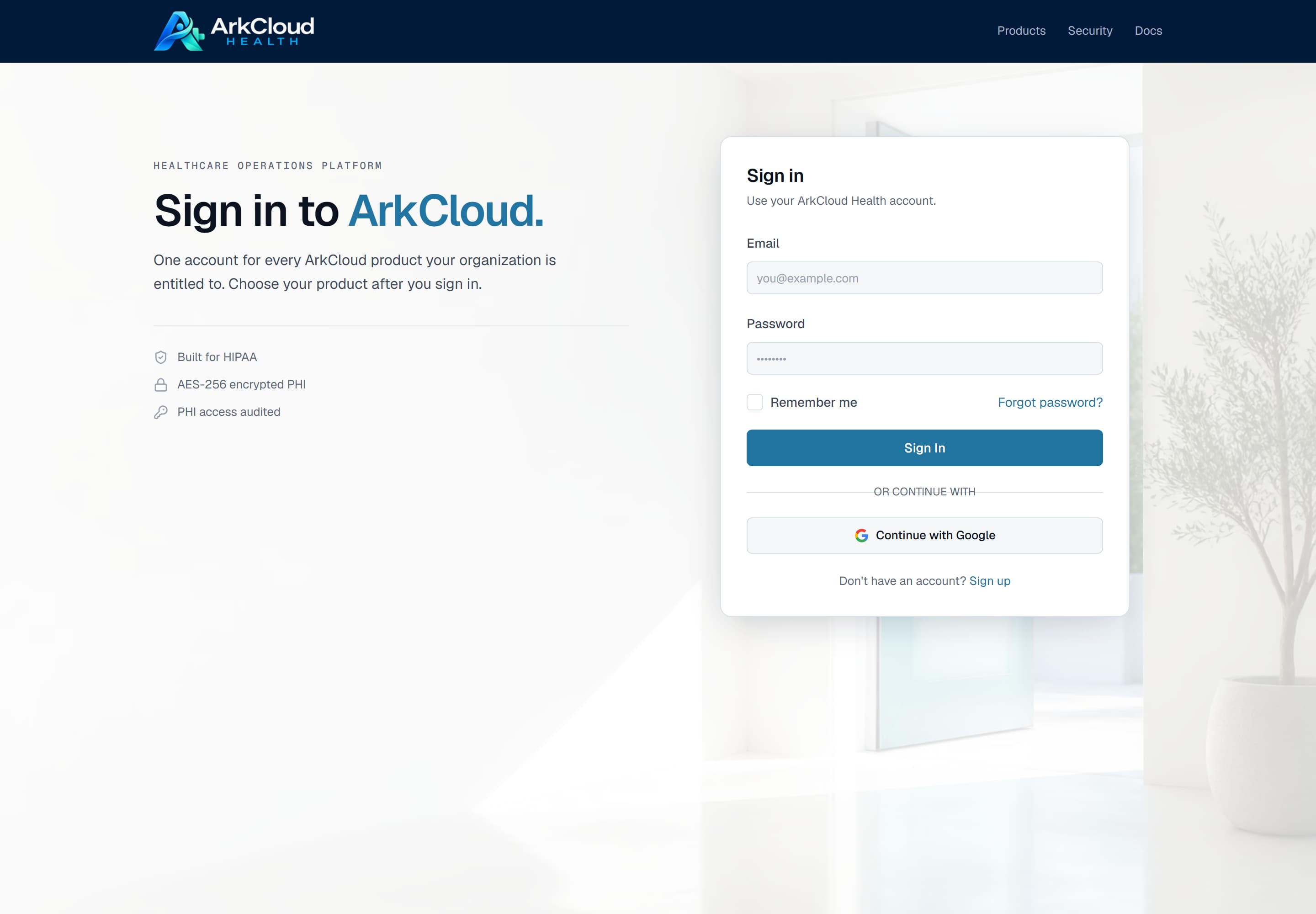
The shared sign-in screen. After sign-up you return here on later visits; administrators are then asked for a code from their authenticator.
/auth/sign-in
What to do next
Sign-up gives you an empty organisation. Nothing is pre-configured: no facility, no payer, no fee schedule, no other users. Work through administrator first-day setup before inviting colleagues.