
Administration
Administration
Organisation administration in ArkCloud is done by users with the Admin role, from inside ArkCloud RCM or ArkCloud Rehab. The settings belong to the organisation, so a change made in one application applies in the other.
Written for: Organisation administrators · Implementation teams · Security reviewers
Where administration lives
| Field or control | What it means |
|---|---|
| ArkCloud RCM | Sidebar groups Administration (users, roles, security, audit, system health, branding) and Settings (organization, facilities, payers, fee schedules, email, patient messaging, payments, integrations). Both groups are shown to Admins only. |
| ArkCloud Rehab | Sidebar → Administration, a page linking to Account settings, Users, Roles, Permissions, Security, Branding, Appointment reminders, Documentation templates and Progress reports. Rehab-specific settings (Clinician billing, Patient identifiers, Services, Availability, Fee schedules) are in the Outpatient group. |
| Other applications | Clinical, Access, Care, Insights and Workforce each have an Administration item for that application's own settings, where your organisation can open the application. |
| ArkCloud launcher | The footer links to Billing (your subscription) and the PHI access log. Both are shown to Admins only. |
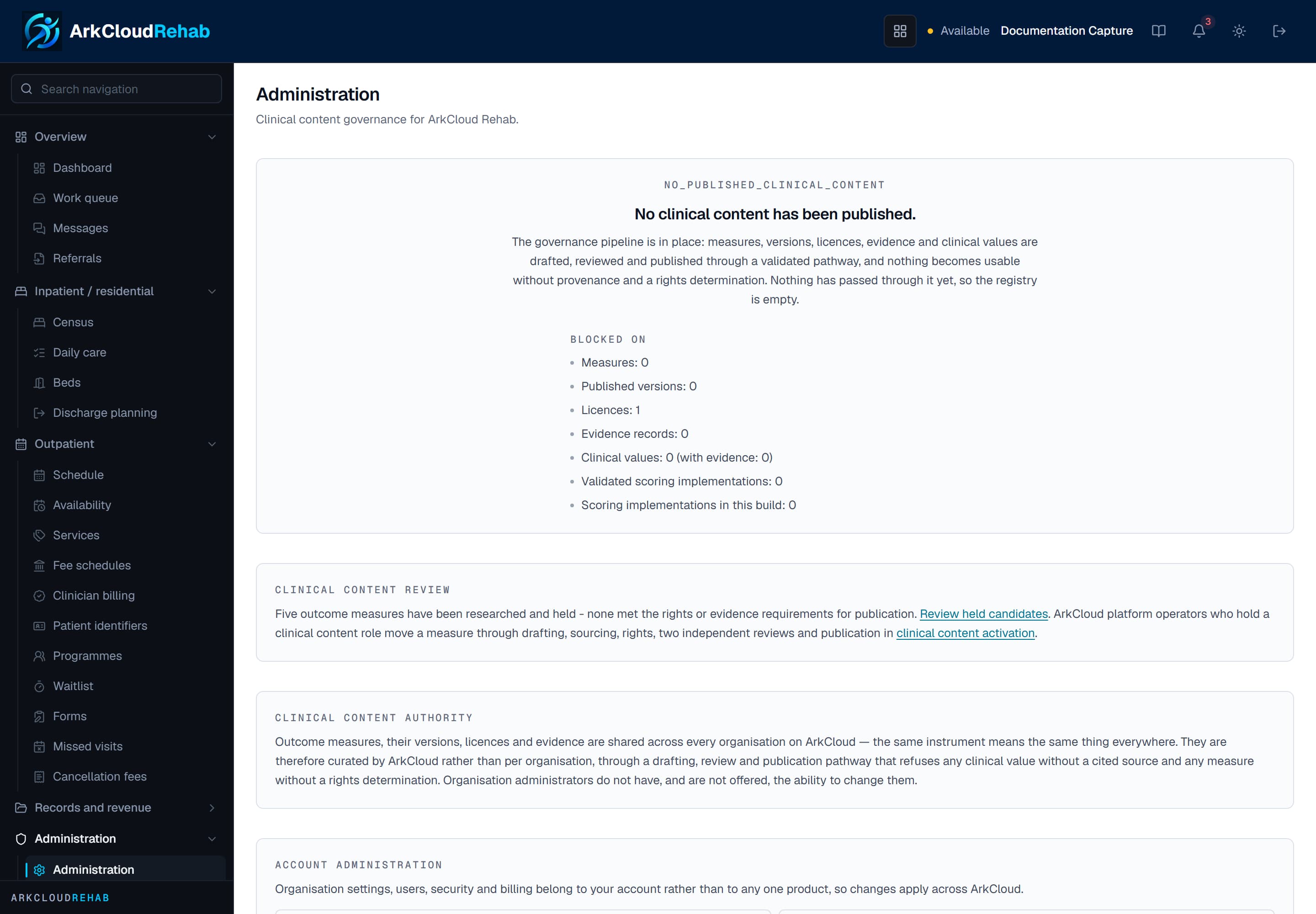
The Administration page inside ArkCloud Rehab, linking to the organisation-level screens.
/rehab/admin
Administration topics
| Field or control | What it means |
|---|---|
| Account settings | Organisation profile, notifications, integrations, billing and security tabs |
| Users | Creating accounts, passwords, unlocking, MFA reset, deactivation |
| Roles and permissions | The five fixed roles and what each may do |
| Facilities | Service locations and the billing provider on claims |
| Payers | Insurance payers and their identifiers |
| Fee schedules | Rates, versions and who may set them |
| Workflows and automation | Workflow rules and automation - read before relying on either |
| Templates | Letters, documentation templates, intake forms, import templates |
| Branding | What the branding screens save, and what they do not change |
| Audit logs | Finding and exporting audit events, and the PHI access log |
| System | System health, usage, and what is operated by ArkCloud |
| Backup and recovery | How the service is backed up, and the limits |
| Performance | What affects speed, and what to report |