
Security & Compliance
Access controls
Every user has one of five fixed roles, and every request is checked on the server against that role, the user's organisation and the products it holds. Organisations are separated by the database itself, not only by application code.
Written for: Security reviewers · Administrators · Compliance officers
Roles
| Field or control | What it means |
|---|---|
| Admin | Everything a supervisor can do, plus user creation and editing, organisation settings, refunds, claim submission, payment management, workflow and queue configuration, imports, portal administration and single sign-on settings. Must use multi-factor authentication. |
| Supervisor | Everything an agent can do, plus the supervisor dashboard, all notes, payment-plan changes, queue assignment, reports, team performance, data export and viewing users. |
| Agent | Works accounts: views the dashboard, accounts, collections, payments, queues and workflows; makes calls and sends email and SMS; adds notes; takes payments and sets up payment plans; sends portal links. |
| Client Admin | For an agency's own client organisation: read-only views of that client's accounts and reports, plus managing the client's users and branding and exporting the client's data. |
| Client Viewer | Read-only views of the client's accounts and reports. |
The full permission map is visible to administrators at Administration → Permission Matrix. No role can delete accounts or users through the application; Remove User deactivates. Workflow rules can be deleted on Workflow Admin by an administrator or supervisor.
Where permissions are enforced
| Field or control | What it means |
|---|---|
| Every signed-in product page and API route | Checks that the user is signed in, active, belongs to an organisation that holds the product, and has a role the product admits. Status, role and organisation are re-read from the database on each request, so a deactivation or role change applies immediately. |
| Every action that changes data | Checks the caller's role before touching the database. An automated test in the release test suite fails if a new action that writes data does not. |
| Menus | The Administration menu is shown to administrators only. Hiding a menu is a convenience, not the control: the Administration area itself refuses every role but Admin on the server, whether it is reached from the menu or by typing its address. |
Isolation between organisations
Each organisation's records carry its organisation id, and PostgreSQL row-level security admits only rows belonging to the organisation of the current request. The application connects with a database role that cannot bypass those rules, so a query that forgets to filter by organisation returns nothing rather than another organisation's data. The organisation is always taken from the signed-in session, never from the request.
At the last count, 315 of the 316 tables that hold organisation data carry a row-level security policy. The exception is a table of product-preview grants that only ArkCloud platform operators write.
Shared reference data (code sets, payer and regulatory catalogues, shared clinical content) is deliberately visible to every organisation.
Access by ArkCloud staff
The cross-organisation back office requires the Admin role and an explicit entry in a server-side allowlist that is empty unless ArkCloud sets it. ArkCloud does not have a standing account in your organisation. Administrators of the production host can read the database directly; that access is outside the application's controls and is governed by ArkCloud's security policies, which are still in draft.
Access elevations
Administration → Access Elevations
An administrator can record a request for a temporary higher role and approve, reject or revoke it; each step is recorded in the security audit log. The screen is part of the Administration area, which only the Admin role can open, so other users cannot reach it to request an elevation themselves.
The security overview screen
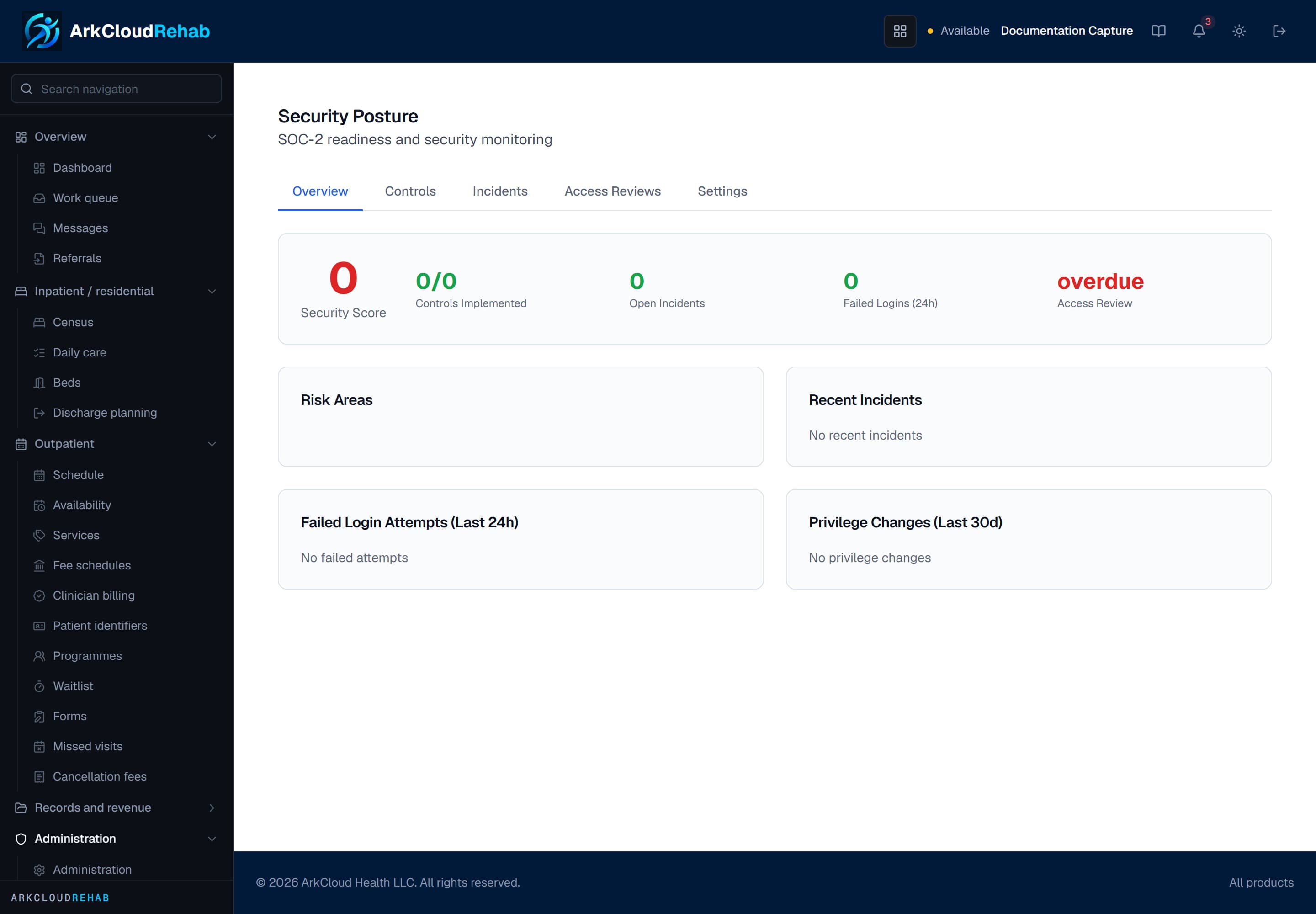
The organisation security screen, as it appears to an administrator in ArkCloud Rehab.
/rehab/admin/security