
Getting started
Dashboards
Every ArkCloud application opens on its own dashboard, and each answers a different question. There is no single cross-product home page, and dashboards are not customisable.
Written for: All users
ArkCloud RCM - Dashboard
My Work → Dashboard is about today's collection work: accounts worked, dollars collected, contact rate and resolution rate, with performance metrics below. The figures are computed from your organisation's records; a new organisation sees zeros, not sample numbers.
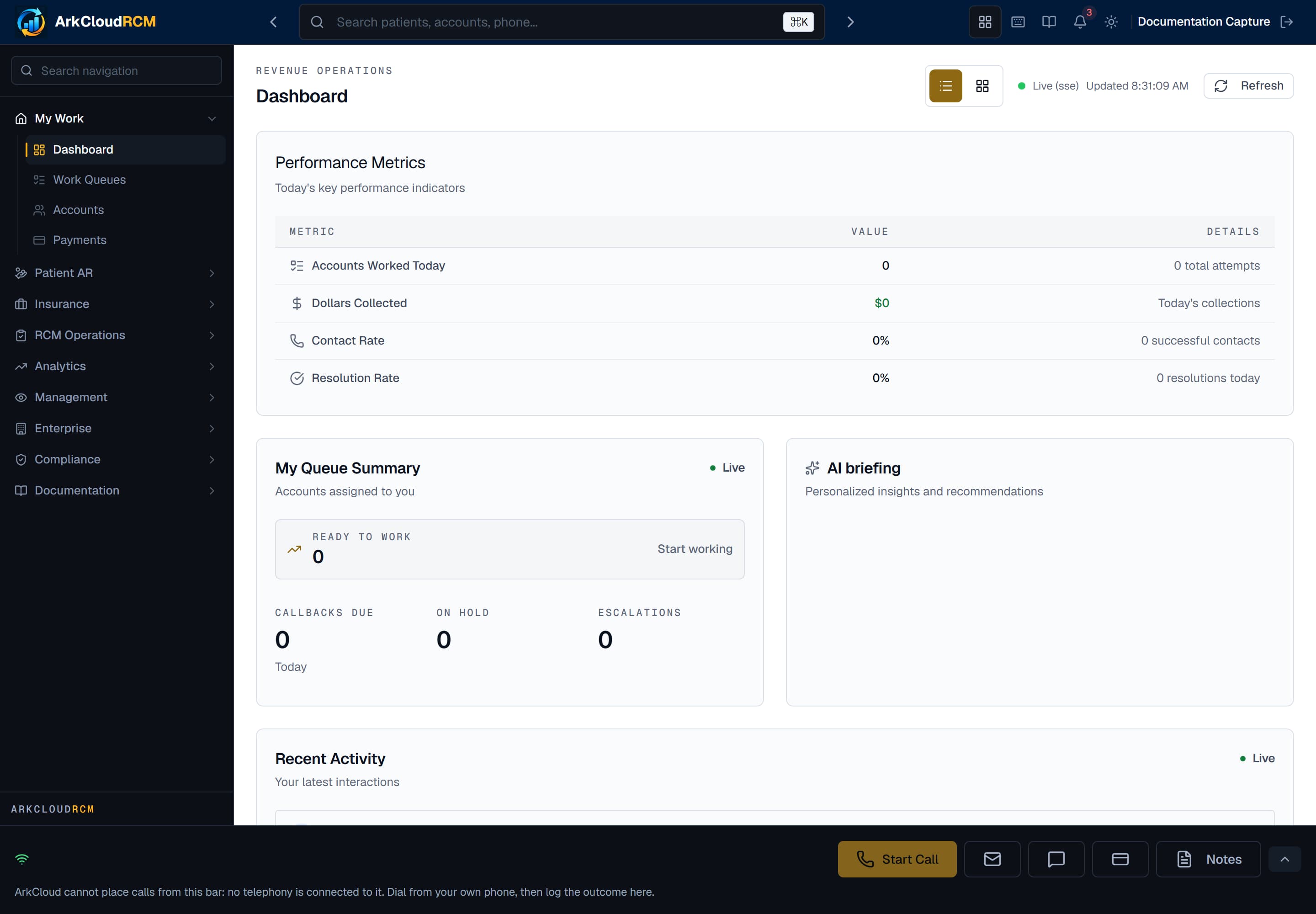
The ArkCloud RCM dashboard, showing the day's work metrics.
/dashboard
| Field or control | What it means |
|---|---|
| Analytics → Analytics Dashboard / Reports | Trends and standard reports. |
| Insurance → Claims Dashboard / Aging | Claim status and ageing. |
| Leadership Analytics → Executive | Summary views for leadership. |
ArkCloud Rehab - Dashboard
Overview → Dashboard is the clinical day: who is on the schedule and what needs attention.
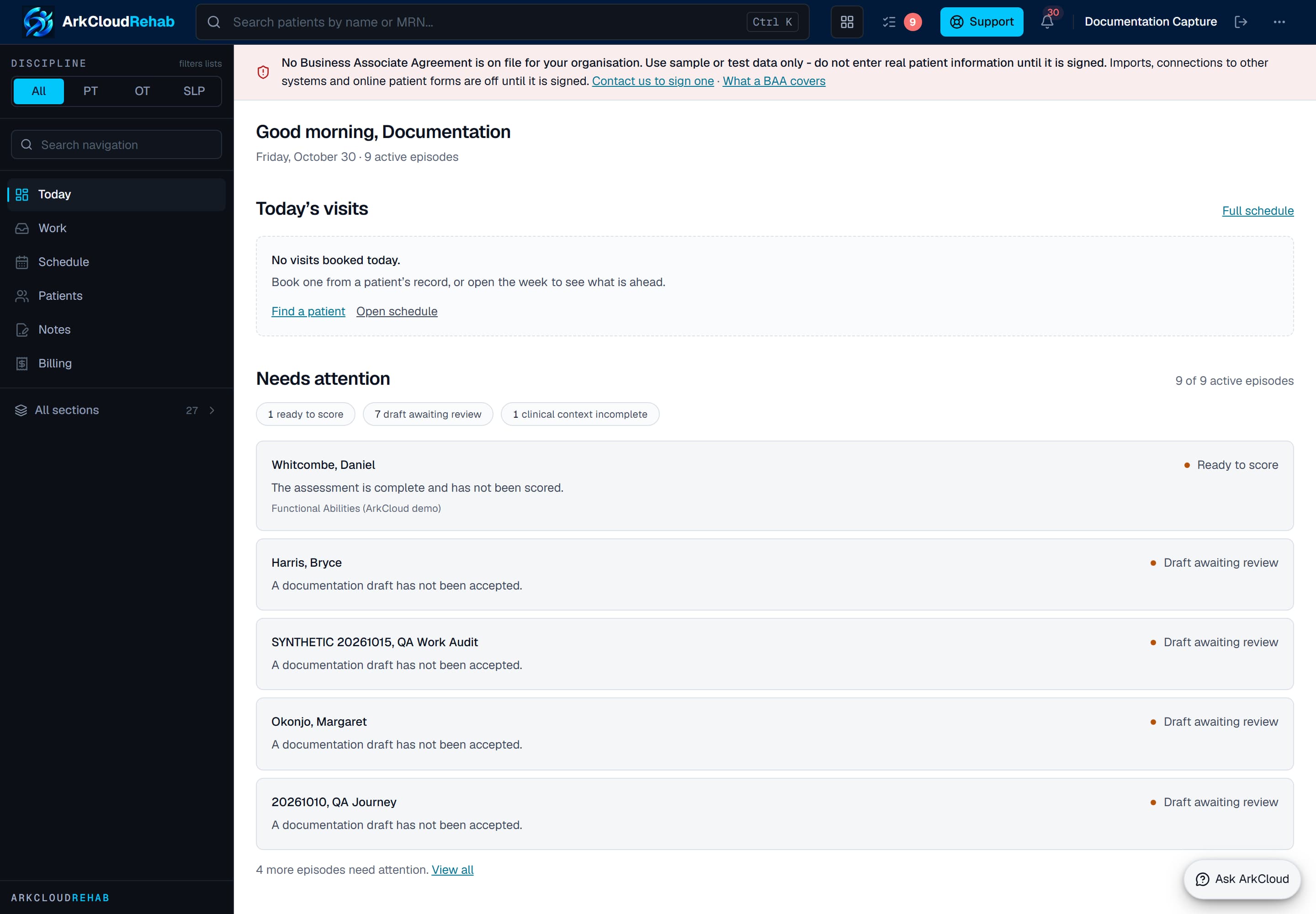
The ArkCloud Rehab dashboard.
Empty state. Captured in a demonstration organisation with no records of this type yet. The controls, columns and filters are the ones a populated screen uses.
/rehab/dashboard
Other applications
Access, Care, Insights, Workforce and Clinical each open on a dashboard of their own, described in their sections of this documentation - for example ArkCloud Access and ArkCloud Workforce.