
Claims
ERA and EOB handling
There are three ways a remittance gets in: the clearinghouse mailbox, a file upload, or a paper EOB keyed by hand. All three post through the same code, with the same protection against posting twice.
Written for: Billing and RCM teams · Implementation teams
From the clearinghouse mailbox
When the mailbox is configured, the background worker (while it is running) reads its inbound folder every 15 minutes. For each 835, 999 or 277 file it works out which organisation it belongs to from the claim numbers or control numbers it names, applies it, and archives it. A file is skipped, left in place and reported when:
| Field or control | What it means |
|---|---|
| It names nothing ArkCloud knows | No claim or control number matches. |
| It names more than one organisation's claims | Applying it to one would put another organisation's claims in its queue, so it is refused whole. |
| It fails to parse or apply | Reported on every poll until someone deals with it. Never half-applied. |
| It is still being written | Temporary or partial names are left for the sender to finish. |
The same file delivered twice is recognised by its content and archived without being applied again.
Upload a file
ArkCloud RCM → Insurance → ERA/EOB Posting
- Download the 835 (or 999 or 277) from your clearinghouse's own portal.
- Upload it. The file type is detected from its contents.
- Review the result: claims posted, exceptions, and anything already posted before. A claim whose lines only partly matched is counted as an exception, not as posted, and the totals count only the money that posted.
Billing staff only: Agent, Supervisor and Administrator roles.
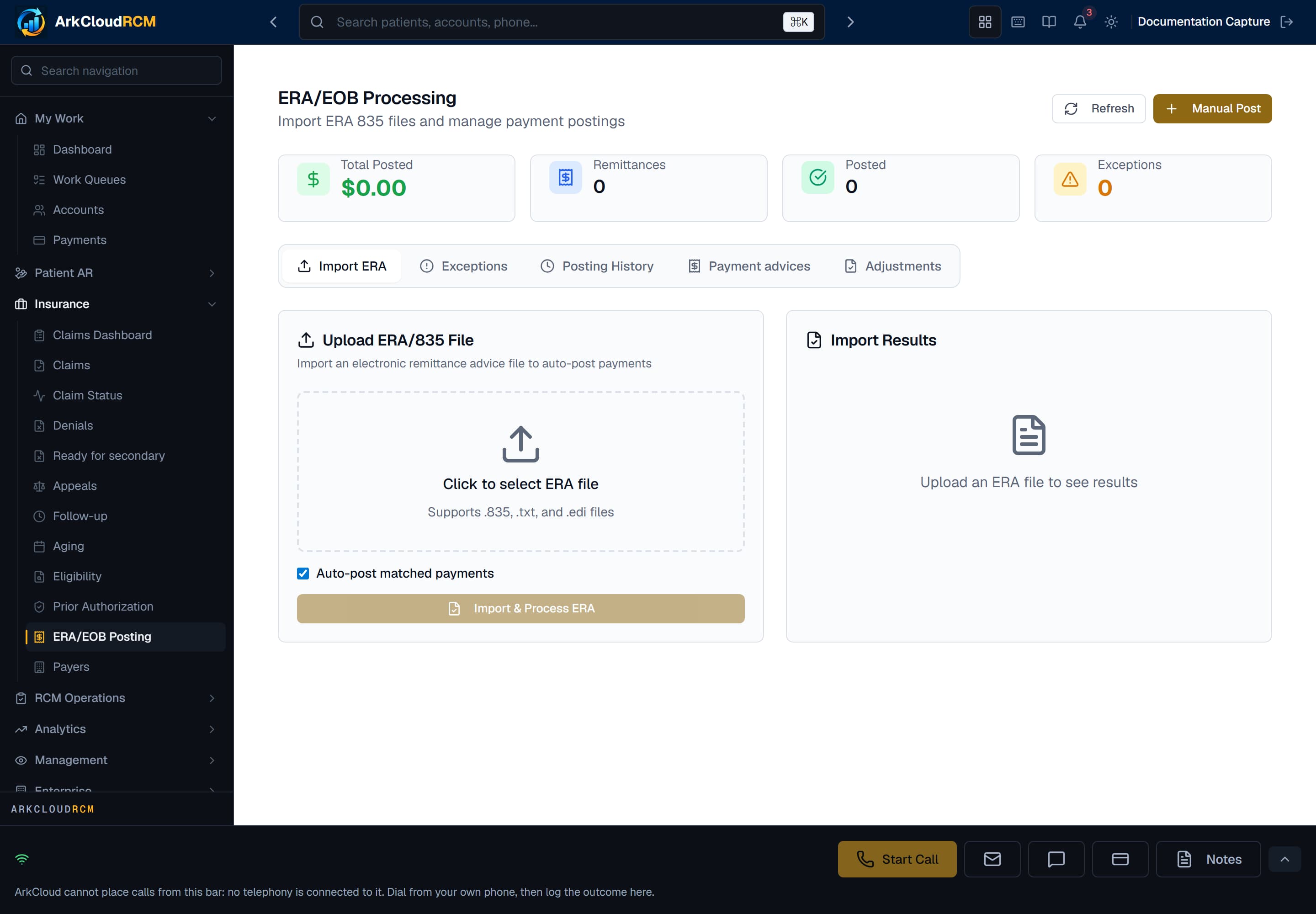
ERA/EOB Posting, shown before any remittance has been received. Uploads, posting results and exceptions are worked here.
Empty state. Captured in a demonstration organisation with no records of this type yet. The controls, columns and filters are the ones a populated screen uses.
/dashboard/insurance/era
Key a paper EOB
On the same screen, a manual payment entry posts a paper remittance against a claim with its check number and date. On a claim with several charges you must choose the charge line the EOB amounts belong to, and post each line separately: ArkCloud will not spread a claim-level total across lines it cannot attribute, and posts nothing until a line is chosen. The check number is used as the remittance's trace number, so keying the same EOB line twice is refused like a replayed file and reported as already posted.
Exceptions
| Field or control | What it means |
|---|---|
| No match | The claim number on the remittance matches no claim. Check the claim number or the organisation. |
| Unmatched line | A service line matched no charge, or more than one. The lines that matched are posted; the unmatched lines and their money wait as a review item, which can be posted once the charges are corrected. If no line matched, nothing from that claim was posted. |
| Payer reversal | The payer reversed an earlier payment (claim status 22), or a corrected payment arrived in the same file as its reversal. Held for review. A supervisor can choose Apply reversal: it takes back the earlier payment only if the reversal is its exact negative, line by line, and otherwise nothing moves and the differences are shown. An administrator can also turn on Apply exact-match reversals automatically in Settings → Remittance Policy. |
| Status invalid | The payer's claim status is not one ArkCloud posts automatically, or the claim is reported denied but paid. Review it by hand. |
| Duplicate | The same payment (payer, trace number, claim control number) was posted before. Nothing was posted again. |
| System error | The claim's posting failed and was rolled back. Other claims in the file are unaffected. |