
Patient portal
The patient portal
A patient opens their account from a personal link and confirms their date of birth - there is no username or password. This section documents what they see, and what a billing team needs to know to support them.
Written for: Billing and patient-financial-services teams · Front-desk and access teams · Implementation teams · Patients
What the portal is
The patient portal is a small, self-contained surface reached with a personal access link rather than an account. There is no registration step, no username and no password to forget. The link is sent by email or text message - by a member of staff, or automatically when a statement is issued where the organisation has switched that on - and can be reopened until it expires.
Sending needs an email or text-message provider configured on the deployment. Without one nothing is sent: a staff invitation reports Not sent - no messaging provider configured and shows the link so staff can give it to the patient another way, and statement notifications are recorded as simulated.
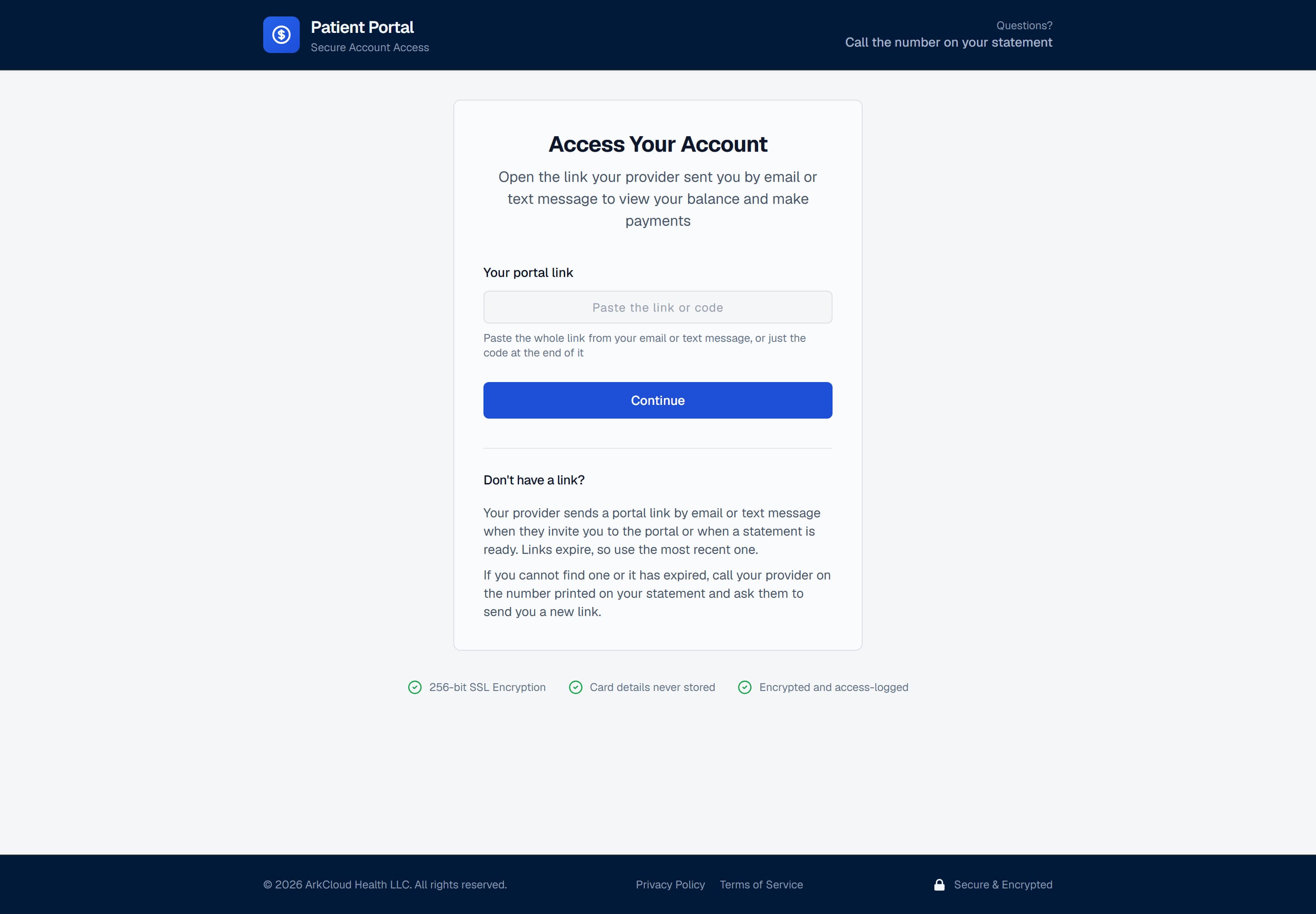
The portal's code-entry screen. Most patients never see it: the link they are sent opens their account directly. The box accepts the code part of that link for anyone who has to type it.
/portal/login
The link alone is not enough to see anything. It identifies the account, and the portal then asks the patient to confirm the date of birth held on it before any balance, charge or statement is displayed. A verified visit lasts 30 minutes; after that the patient opens the same link again and re-confirms.
A parent, guardian or caregiver the clinic has given proxy access gets a separate link of their own and confirms their own date of birth. What they can see and do is limited to what their proxy grant allows.
What a patient can do
| Field or control | What it means |
|---|---|
| See the balance | Current balance, total charges, patient payments made, and the due date - as ArkCloud RCM holds them on the account. |
| See the charges | Charge lines with service date, amount, paid and remainder - where the account carries imported balance lines. See balances and charges for the limits. |
| See payment history | Card payments made through the portal. Payments taken by staff or paid by insurers are not listed here. |
| Download statements | Up to the 24 most recent statements issued for the account, each downloadable as a PDF. |
| Set up a payment plan | Choose a number of instalments and a frequency. Offered only where the account is eligible, has no plan already, and online payment is set up. |
| Saved cards and AutoPay | Save a card through Stripe's card form and, once a plan exists, turn on AutoPay for its instalments. Only where online payment is set up; otherwise the panel says online card payments are not available at this practice right now. |
| Pay by card | Only where online payment is set up for the organisation. Where it is not, the portal says online payment is not available and asks the patient to call. |
| Home exercises, appointments and forms | Read a home exercise programme and record how each exercise went (done or not, pain 0-10, difficulty, an optional comment) for the therapist, see upcoming appointments, and complete intake or consent forms and questionnaires the clinic has assigned. Booking a follow-up, moving or cancelling a visit, and online check-in appear only where the clinic has switched them on (all off by default); otherwise the patient is told to contact the clinic. A telehealth visit shows a join control, which says the telehealth link is not configured because no telehealth vendor is connected in this build. |
| Your information (health questionnaire and updates) | Complete the health questionnaire a clinic has asked for, or tell the clinic something has changed: contact details, an emergency contact, whether they may email or text, medical and surgical history, medicines, allergies (with separate answers for 'no known allergies' and 'I don't know'), the body area that is bothering them with side, symptoms, pain, how it started and their own words, and how they get around. Answers are saved as they go and can be finished later. Everything is sent as what the patient reported: staff review each answer before anything changes on the record, and the patient sees when it has been reviewed. A link that can only view the account cannot fill it in. If an answer suggests something urgent, the patient is shown fixed advice to seek care (including 911) and the clinic is alerted. |
| Documents and care team | Open documents the clinic has released to the patient, and message the care team. A billing question asked of the care team is routed to the billing office. |
| Messages & help | Send a message to the billing office, set contact preferences, dispute a charge, or ask for financial assistance. |
What the portal shows about a patient
The portal deliberately shows less than the account holds. The patient is greeted by first name and last initial, and the account number is masked to its last four digits - enough for somebody to recognise their own account, not enough for a shoulder-surfer or a forwarded screenshot to identify them.
For billing teams
Most portal support calls are one of these, and knowing which saves the call:
- "The link does not work." Usually expired or locked. Issue a new one from the account's Statements tab rather than troubleshooting the old one.
- "It will not accept my date of birth." The portal checks against the date of birth on the patient record. If that is wrong in ArkCloud, the portal cannot be talked past it - correct the record.
- "There is no way to pay." Online payment is not configured for your organisation. The patient pays by phone, and the payment is recorded by staff.
- "I sent a message, or raised a dispute." Messages arrive in the portal messages inbox. Portal disputes appear on Patient AR → Disputes, and assistance requests on Financial Assistance as a Portal request. See assistance and disputes.