
Analytics
Analytics Dashboard
Five tabs of revenue-cycle figures for a date range you choose, calculated from your records when you open or refresh the page. The layout is fixed.
Written for: Revenue cycle managers · Collections managers · Finance
Using the dashboard
Sidebar → Analytics → Analytics Dashboard
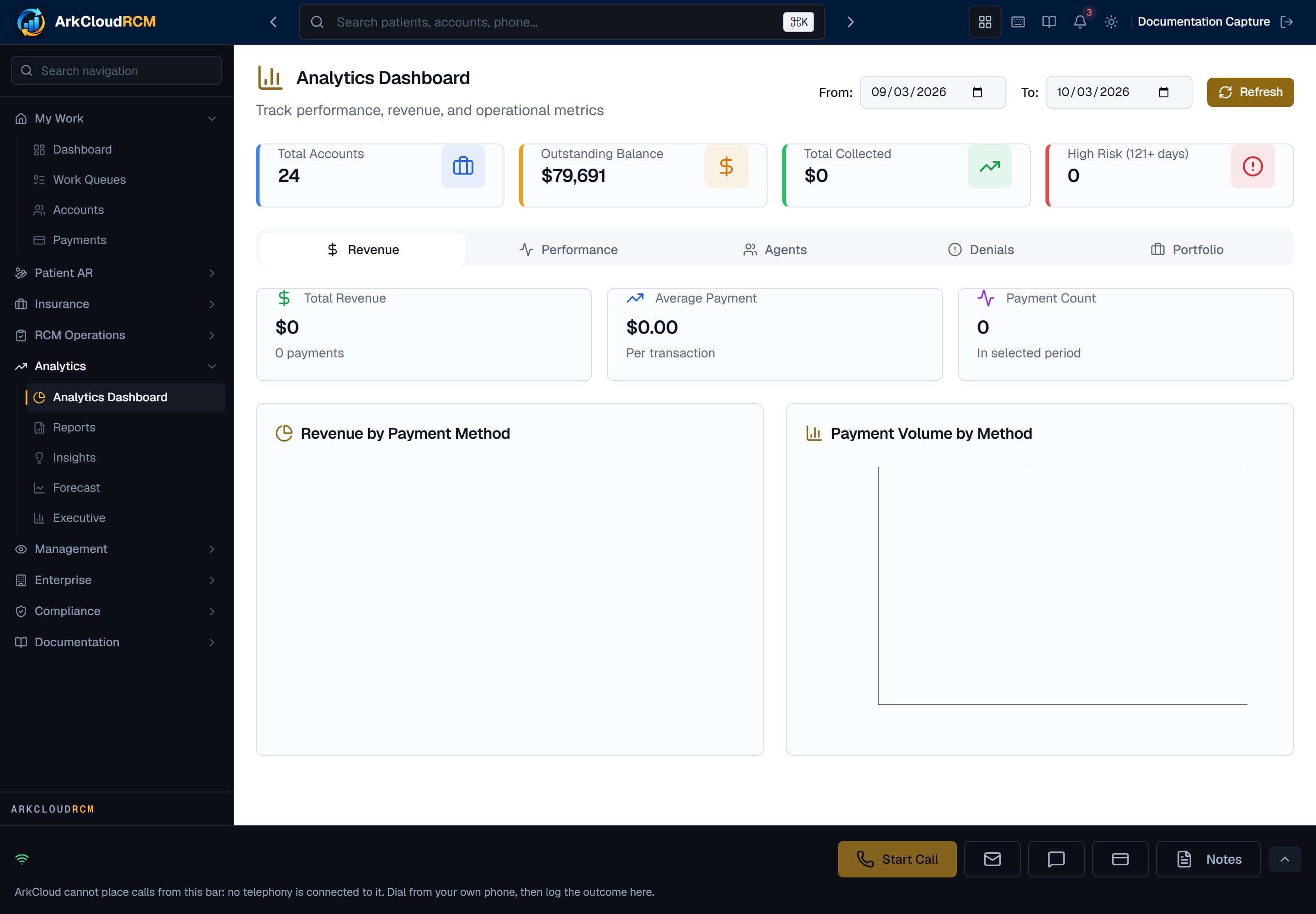
The RCM analytics dashboard, with its tabbed breakdown of collections, aging, productivity and payer performance.
/dashboard/analytics
- Set the start and end dates.
- Choose Refresh. Figures are recalculated for that range; nothing refreshes on its own.
- Move between the tabs.
What each tab shows
| Field or control | What it means |
|---|---|
| Revenue | Total payments received in the range (net of refunds and reversals, from the payment ledger) and the average payment. The breakdowns by payment method and by day count only payments taken through ArkCloud's card and online payment processing, so cash, cheque and insurance payments appear in the total but not in those charts. |
| Performance | Liquidation rate for accounts placed (created) in the range - collected ÷ (open balance + collected) - balances by aging bucket, and average days to payment (approximated as the time from an account's creation to its last update, for accounts placed in the range that reached Paid). |
| Agents | For each Agent, Supervisor and Administrator user: accounts assigned to them in the range, activities logged in the range, and accounts resolved (accounts ever assigned to them that reached Paid in the range), with an Agent Leaderboard ranked by accounts resolved. No money per collector: payments are not attributed to collectors. |
| Portfolio | Current totals, not limited to the date range: account count, outstanding balance, total collected to date, active payment plans, accounts over 120 days, and accounts by type. The active payment plan count can be too low - see the note below. |
| Denials | Denial rate (claims denied ÷ claims adjudicated), denied and recovered amounts, recovery rate, and denial reasons by CARC code, for claims decided in the range. Claims rejected by the clearinghouse are counted separately and are not part of the denial rate. |
The Agents tab
Not available
There are no widgets to add or rearrange, no saved layouts, no automatic refresh, no threshold alerts and no drill-down from a figure to the accounts behind it. Earlier versions of this page described all of these.