
ArkCloud Rehab
Daily work queue
Two screens carry the working day: Today, which summarises what is outstanding across the caseload, and the work queue, which lists it. Both are shared views rather than personal to-do lists.
Written for: Rehabilitation clinicians · Clinical supervisors · Rehab operations
Today
Launcher → ArkCloud Rehab → Overview → Dashboard
Today answers one question: who needs a clinician's attention. Under a greeting with the date and the number of active episodes, it shows:
| Field or control | What it means |
|---|---|
| Today's visits | Up to five of today's booked visits with time, patient, service and status, each opening the episode (or the patient). Full schedule opens the day view. Shown to staff who can see the schedule. |
| Needs attention | One line per active episode with something outstanding, showing the single most urgent item for that episode, plus a count of episodes by task. "Draft awaiting review" means the episode's most recent note is not signed yet. |
| Your clinical work | Cards for the areas a clinician works in: today's schedule, patient charts, evaluations, treatment documentation, progress, referrals, plans and goals, home exercise programmes, outcomes and authorizations. |
| Recent episodes | The most recently active episodes, with a link to all patients. |
| Measure availability | Shown while no outcome measure is published for administration inside ArkCloud. |
| Capability | Status | What that means here |
|---|---|---|
| Today dashboard | Available | Today's visits, the episodes that need attention and what each is waiting on, your clinical work areas, and recent episodes. |
| Administering and scoring measures inside ArkCloud | Partially available | The framework for administering a measure inside ArkCloud and scoring it is built, but no measure has been published, so nothing can be administered or scored this way yet. |
| Recording outcome scores you obtained | Available with configuration | Enter the score from an instrument you administered outside ArkCloud, see the first and latest score side by side, and add score lines to a draft note. ArkCloud does not administer the instrument or compute the score.Requires: A clinical lead approves each instrument for your clinic, confirming the clinic holds any licence it needs. |
The work queue
Launcher → ArkCloud Rehab → Overview → Work queue
The queue lists the outstanding items themselves. It is shared across the team rather than filtered to the signed-in clinician, which is what allows work to be picked up when somebody is away.
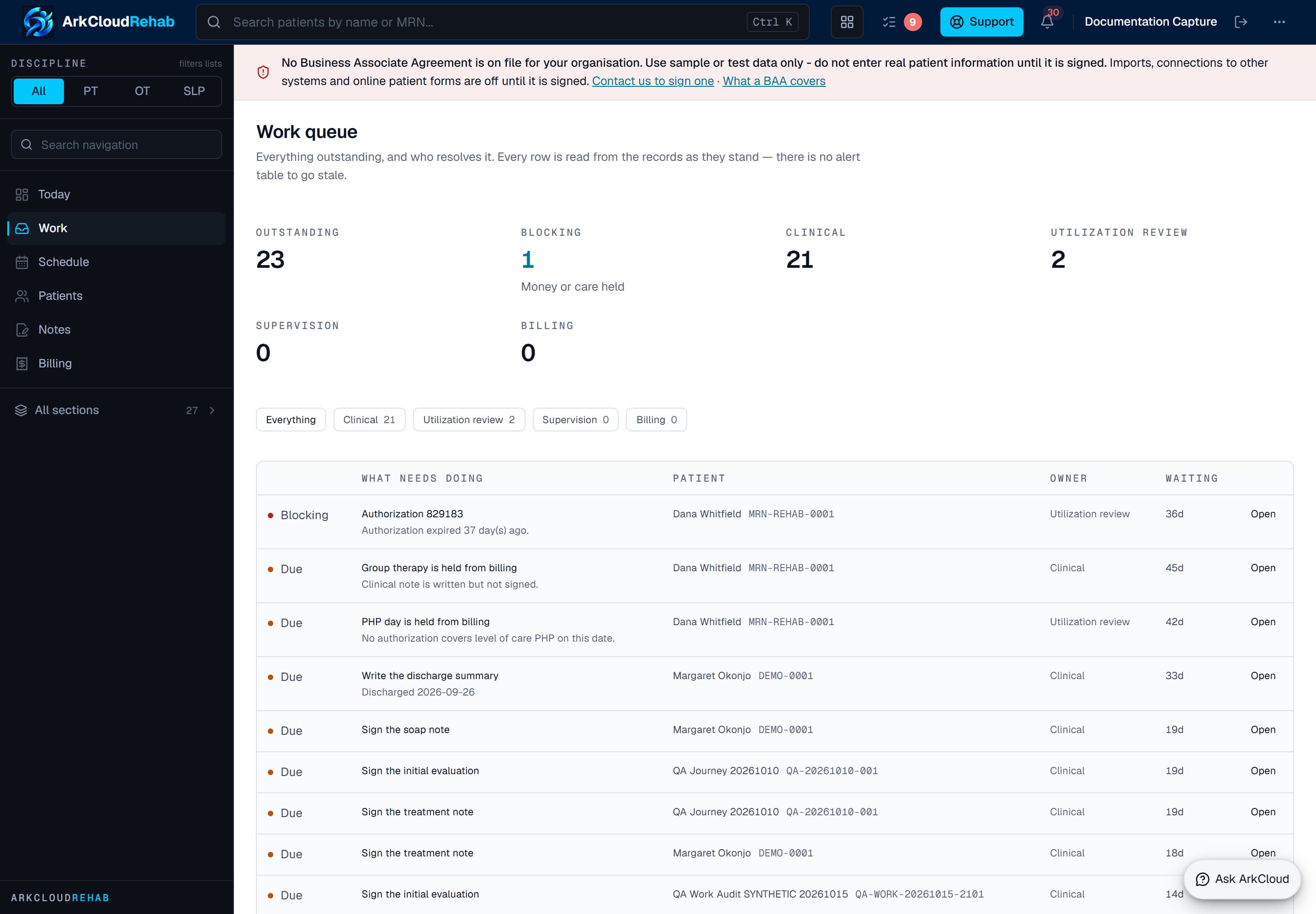
The work queue. Because it is shared, an item nobody has started is visible to everybody, rather than sitting in one person's list until they return.
/rehab/work-queue
Items are derived from the records each time the screen loads, and grouped by who resolves them. The filter at the top narrows to one group.
| Field or control | What it means |
|---|---|
| Clinical | Notes not signed; plans of care missing, due for review or due for physician certification; a progress report due under the practice's cadence (only if one is configured); a discharged episode with no discharge summary. |
| Supervision | Notes awaiting a supervisor's co-signature. |
| Utilization review | Authorizations expiring or exhausted, and delivered services that no authorization covers. |
| Billing | Delivered services held from billing, with the reason. Nothing creates a charge automatically; someone with fee-management permission posts it from charge capture. |
When the background worker is running, it also sends an in-app notification about an expiring authorization, a note left unsigned and a note awaiting co-signature - at most once a day per item.
Scheduled work
The schedule shows what is booked, as distinct from what is outstanding. The two are different questions: an appointment that has not happened yet is not work in the queue, and a session delivered last week with an unsigned note is not on the schedule.
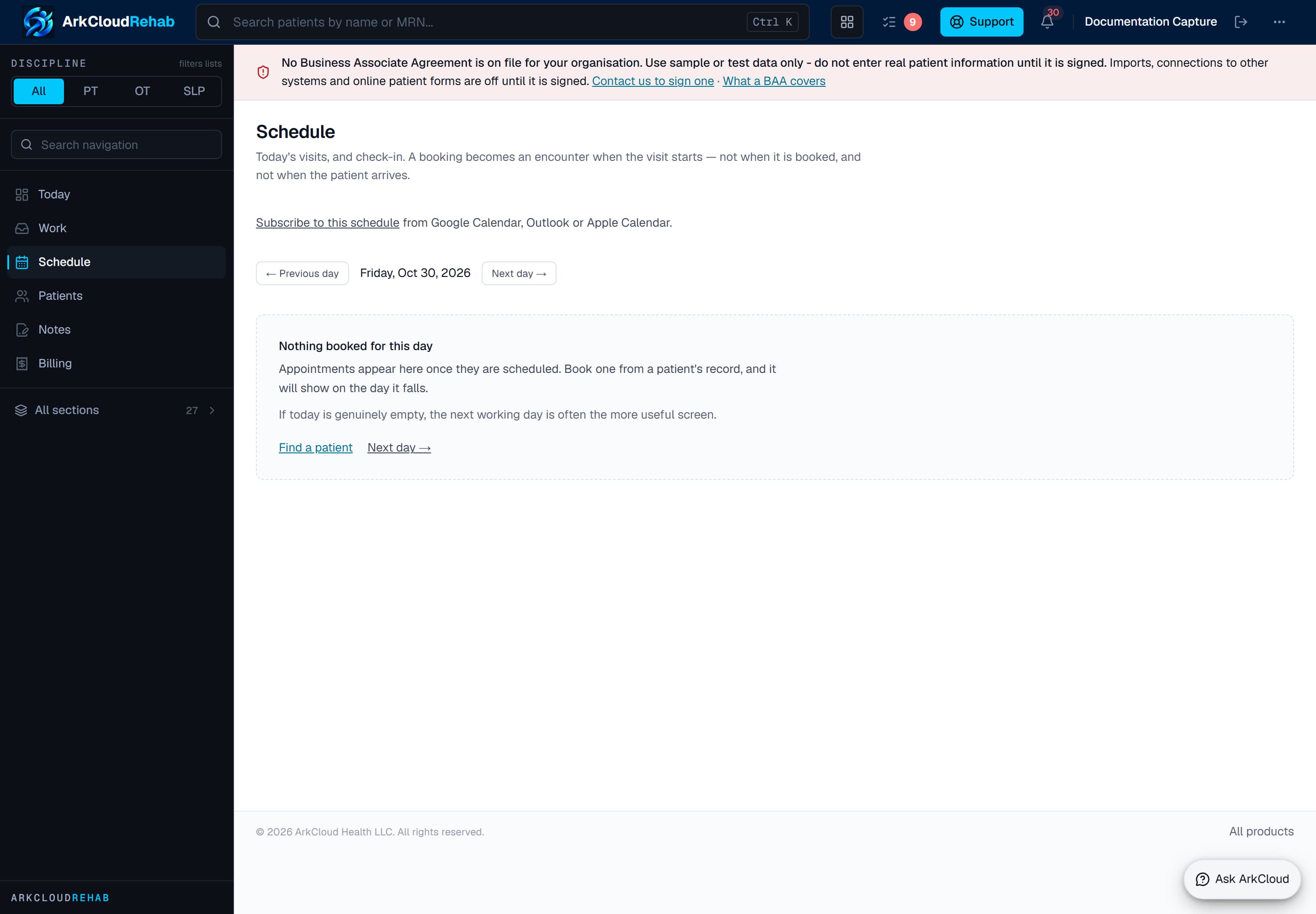
The schedule, shown before any appointments are booked. Appointments and encounters are booked into this day view.
Empty state. Captured in a demonstration organisation with no records of this type yet. The controls, columns and filters are the ones a populated screen uses.
/rehab/schedule
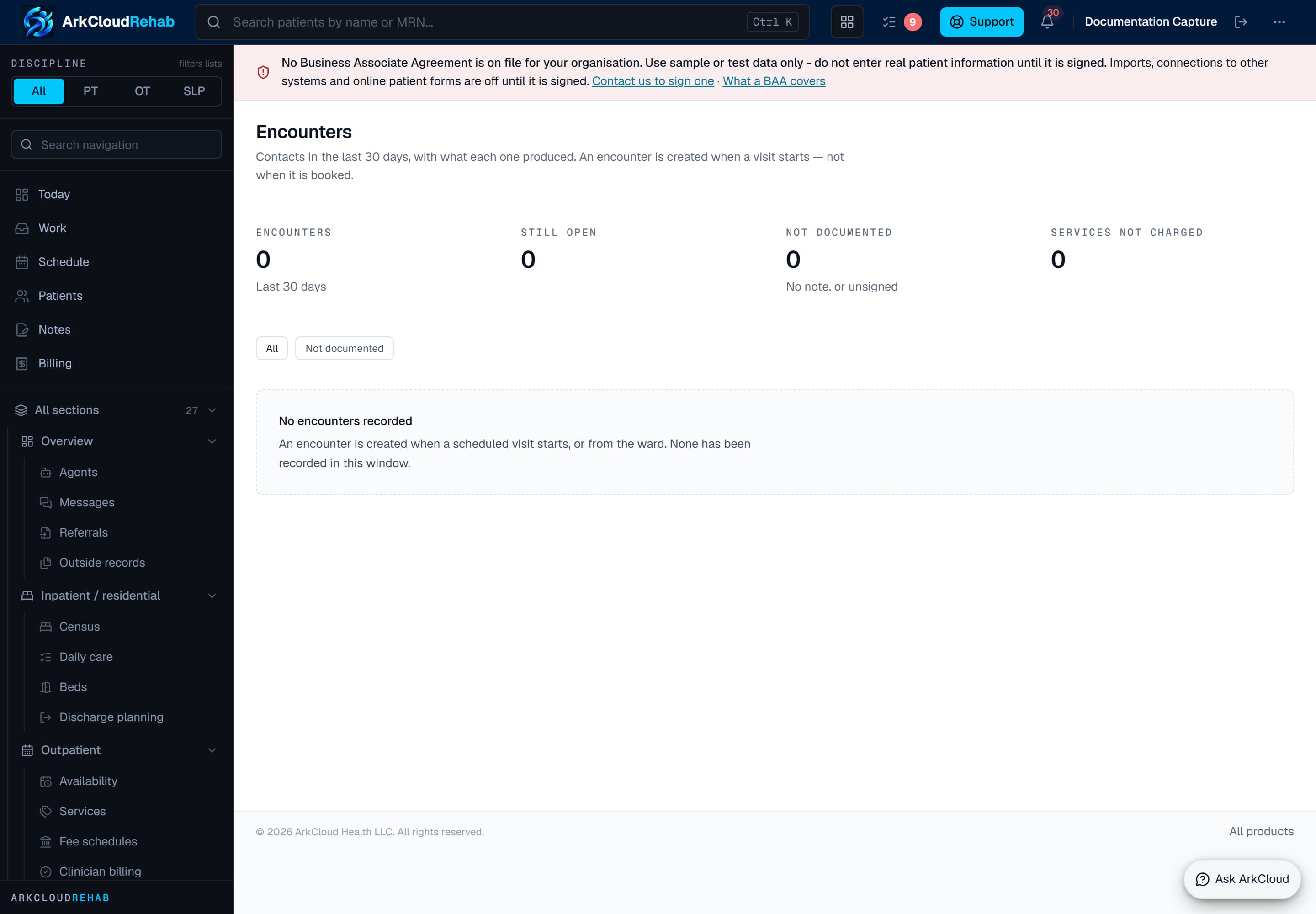
Encounters are the delivered sessions - what actually happened, as opposed to what was booked. Each becomes documentable and then billable.
Empty state. Captured in a demonstration organisation with no records of this type yet. The controls, columns and filters are the ones a populated screen uses.
/rehab/encounters
Troubleshooting
| Field or control | What it means |
|---|---|
| Nothing is listed | No active episodes. Start an episode from a patient record; nothing clinical is recorded outside one. |
| An item will not clear from the queue | Check what it is waiting on. A note needs signing, not just saving - a saved draft stays outstanding. |
| A colleague's work is in my queue | Expected. The queue is the team's, so that nothing is invisible while somebody is away. |
| Scheduled appointments are missing | The schedule and the queue answer different questions. Booked-but-not-delivered work is on the schedule, not in the queue. |