
ArkCloud Rehab
Scheduling
Staff book visits and courses of visits against an episode; the schedule shows the day. Reminders, confirmation links, patient rescheduling, follow-up booking by established patients in the portal, online check-in and new-patient requests exist and are all off until an administrator turns them on.
Written for: Front desk and schedulers · Rehabilitation clinicians · Rehab administrators
Booking visits
Launcher → ArkCloud Rehab → Records and revenue → Episodes → an episode → Care team & billing → Coverage, visits and billing → Visits → Book a course
Visits are booked from the episode, so every appointment belongs to a course of care. Book a course takes a service, the clinician, an optional room or piece of equipment, the weekdays, a start date and time, a length, an interval in weeks and a total number of visits. A total of 1 books a single visit. You see the dates before anything is booked.
- Clinicians you can book with are active users in your organisation with an agent, supervisor or administrator role.
- A room or equipment's capacity is checked when the visit is booked.
- Booking does not consume the patient's authorized visits; delivered visits do.
- A visit or course is refused for a patient who has been merged into another record, for an episode that does not belong to the patient, and for an episode that is discharged or cancelled. Open a new episode first.
- A booking is refused, naming what it collides with, when it overlaps the clinician's other visits, falls on a day or hours the clinician is marked unavailable (leave or another exception), or overlaps another visit for the same patient. Staff can book anyway by giving a reason of at least five characters; the override is audited. Hours outside the clinician's weekly availability windows are not refused.
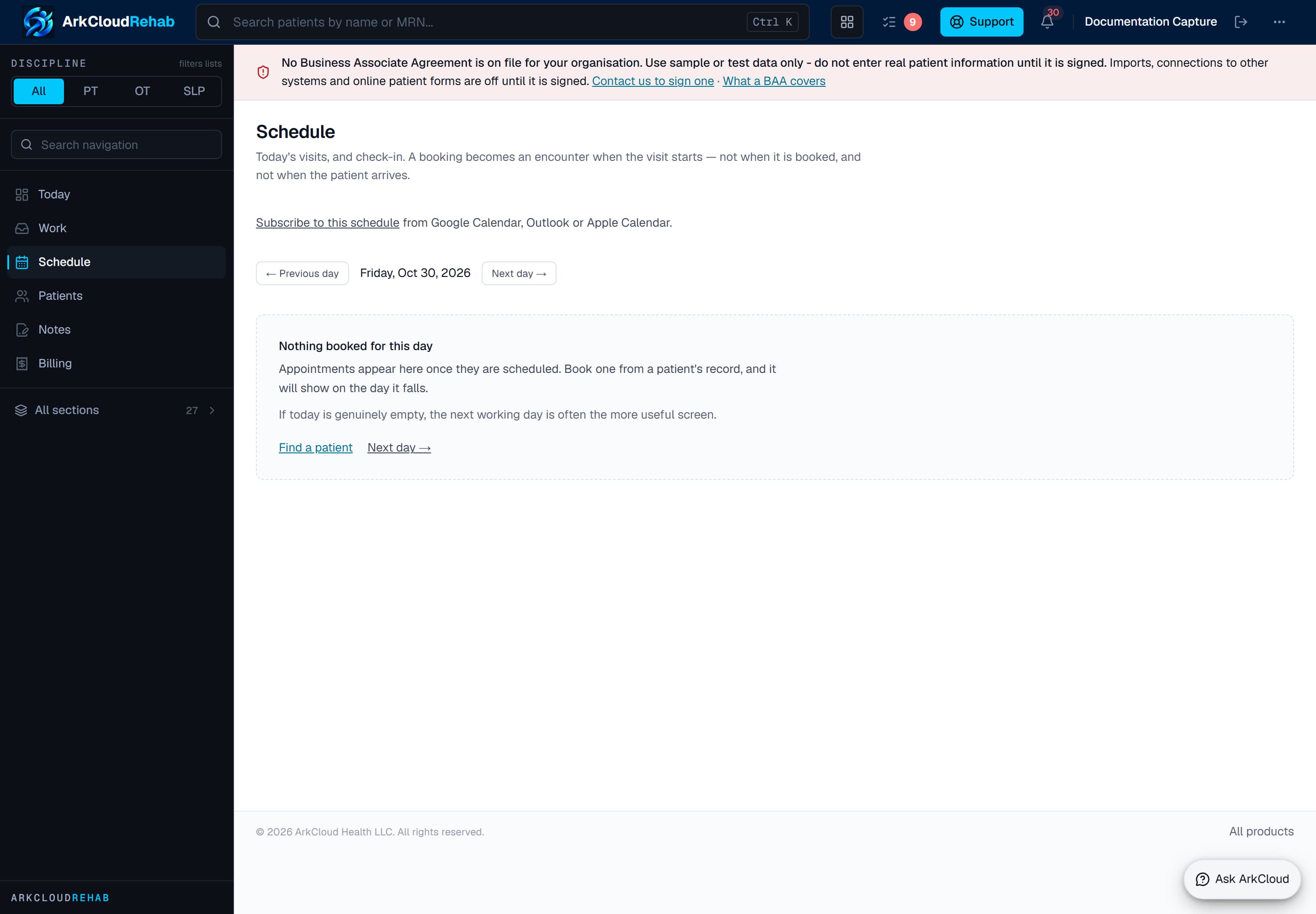
The schedule, shown before any appointments are booked. Each day's visits appear here with check-in, start, cancel and missed-visit actions.
Empty state. Captured in a demonstration organisation with no records of this type yet. The controls, columns and filters are the ones a populated screen uses.
/rehab/schedule
Launcher → ArkCloud Rehab → Outpatient → Schedule
A booking becomes an encounter when the visit starts - not when it is booked, and not when the patient arrives. Each row moves through Check in, Start visit and Complete; see check-in and arrival. Cancelling asks whether the patient or the practice cancelled; see waitlist and cancellation fees.
Availability
Launcher → ArkCloud Rehab → Outpatient → Availability
Availability windows say when each clinician can be booked, with exceptions for days off. Any Rehab user can maintain windows; operational reporting uses them as the denominator for utilisation. The patient-facing switches on the same screen are administrator-only.
Patient-facing switches, and their defaults
| Field or control | What it means |
|---|---|
| Appointment reminders | Administration → Appointment reminders. Off by default. The same switch and channel also govern statement-ready notices, and an RCM administrator can change them from Settings → Patient messaging. Channel SMS (default) or email; default 24 hours before; quiet hours 21:00-08:00. SMS needs a configured SMS provider and the patient's recorded SMS consent; email needs a configured email transport. With no provider, a reminder is recorded as Simulated, not Sent. Reminders are planned a day ahead of when they fall due (before 2026-10-03 the default 24-hour reminder was skipped as booked inside its window). When staff move a visit, its reminders are re-planned for the new time and the old confirmation link stops working. |
| Confirmation link | Sent inside a reminder when 'request confirmation' is on (the default once reminders are enabled). The patient can confirm; the link does nothing else unless rescheduling is also on. |
| Self-scheduling (master switch) | Availability screen. Off by default. Required for rescheduling, existing-patient booking and new-patient requests (online check-in has its own switch). Windows must also be marked open to patients. |
| Patient rescheduling | Availability screen. Off by default. Lets a patient move an existing appointment, from the link in their reminder, to another open slot with the same clinician, within the configured notice and horizon. |
| Existing-patient booking | Availability screen: 'Existing patients may book follow-ups in the portal'. Off by default, and needs the master switch too. A patient with an open episode (or a caregiver with scheduling access) books a follow-up with the clinicians already treating them, for services and windows open to patients, up to the 'Most upcoming visits a patient may book online' limit. If the payer requires authorization and none covers the date, or every authorized visit is already used or booked, the patient is told to call the clinic. A clash with the clinician's other visits is refused, never overridden. Cancelling or moving a visit from the portal follows the patient rescheduling switch. |
| New-patient requests | Availability screen. Off by default. Also needs a public booking address and a working email transport (below). |
| Online check-in | Availability screen: 'Patients may check in online before a visit'. Off by default, independent of booking. Opens the set number of minutes before the visit and closes when it starts. In the portal the patient (or a caregiver with scheduling access) confirms their details and the insurance on file - saying something changed creates a task for the front desk and edits nothing - completes the forms sent for that visit, and checks in. When a copay for the visit is known - from the latest real (not simulated) eligibility check for the visit's service type, or from a staff benefits verification covering the visit's date, whichever is newer - they can pay it by card, which needs the practice's card payment account to be connected - if the practice charges a card convenience fee, the fee and the total are shown before they confirm, and the total is what the card is charged; the copay itself is held as a credit and applied to the visit's charge when it posts. With no stated copay, no amount is shown. The schedule shows 'Checked in online'; the front desk still records arrival. |
| Capability | Status | What that means here |
|---|---|---|
| Appointment reminders (email and text) | Available with configuration | Reminders go by email or text for visits on the Rehab schedule once an administrator turns them on. Texts go only to patients with recorded text consent; a STOP reply is recorded as an opt-out. Carrier registration for US text messages was still being completed in late October 2026, so texts may be filtered.Requires: An administrator turns reminders on and chooses the channel. Patients need recorded email or text consent. |
| Online booking and new-patient requests | Available with configuration | Established patients can book follow-ups in the portal, and new patients can request a first visit on your public booking page for staff to approve. All of it is off until an administrator turns it on.Requires: An administrator switches on self-scheduling (and new-patient requests), sets a public booking address, and marks services and availability as open to patients. |
| Online check-in before the visit (patient portal) | Available with configuration | The patient confirms details and insurance, completes the forms sent for the visit and checks in from the portal. It does not mark them arrived; the front desk still checks them in. Off by default.Requires: An administrator turns on 'Patients may check in online before a visit'. |
| Copay collection at online check-in | Needs an external connection | Built, and not usable on the hosted service today: card payment needs the practice's own connected payment account, and none is connected, so no copay is collected online.Requires: A connected Stripe account for the practice. |
New-patient requests
A prospective patient can ask for a first visit at your public booking page, /book/<your-address>. It is a request, not a booking:
- The visitor picks a service marked bookable by patients and an open slot; the slot is held.
- They confirm their email address with a six-digit code (valid for 15 minutes).
- Staff review the request from the Schedule screen's "new-patient requests waiting" link. Approving it creates or links the patient and books the visit; declining releases the slot.
An administrator sets the public booking address on the new-patient requests screen. The Schedule screen only links there while a request is waiting, so the first time, open it from Access → Scheduling or by adding /requests to the Schedule screen's address.
What is not available
- Self-booking outside a course of treatment. Only a patient with an open episode can book online, and only a follow-up with their own clinicians; a new patient requests a first visit. With no email transport the booking confirmation is recorded as Simulated and the portal tells the patient to note the time.
- Two-way calendar sync. The calendar feed is publish-only - see calendar subscription.
- Reading replies. A patient's reply to a reminder is not read by ArkCloud, except that STOP (and its usual synonyms) withdraws their text consent. There is no delivery receipt: Sent means the provider accepted the message.
- Alerting the therapist on check-in. Checking a patient in changes the row to Checked in and nothing else - see check-in and arrival.
- Voicemail, letter or print reminders. SMS and email only.