
Service catalogue
The catalogue is the list of what your practice offers. Each entry carries a length, an optional billing configuration, and a decision about who may book it. Once it exists, booking a visit is choosing a service rather than typing its name.
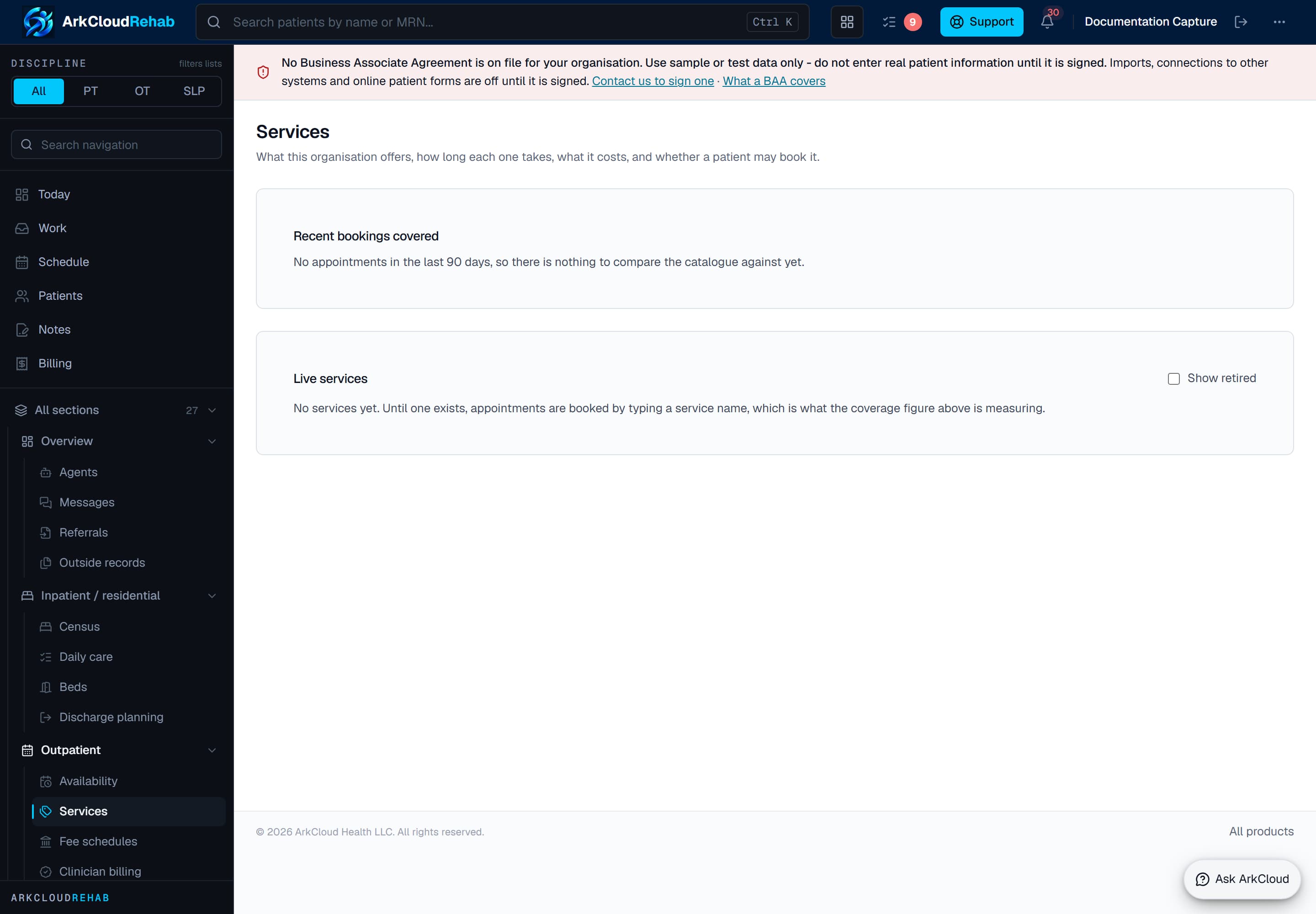
The bookable service catalogue. Each service carries its duration, care setting and billing configuration, which is what lets scheduling and charge capture agree about what was delivered.
Empty state. Captured in a demonstration organisation with no records of this type yet. The controls, columns and filters are the ones a populated screen uses.
/rehab/settings/services
Where it lives
Rehab → Outpatient → Services, beside Availability. The two answer halves of one question: Availability is when anyone can be booked, Services is what they can be booked for.
Anyone who uses Rehab can read the catalogue. Only an administrator can change it, because editing it changes what can be booked and billed.
The code, and why it cannot be changed
Every service has a code derived from its name — “Initial assessment” becomes INITIAL_ASSESSMENT. That code is what gets stored on every appointment booked for the service, and it is what availability windows are matched against.
The code is fixed once the service is saved. The name and the length are not — you can change any of those at any time without disturbing a single booked appointment, which is the whole reason the two are separate fields. If you need a different code, retire the service and add another.
Appointments booked before the catalogue existed
Nothing is rewritten. Appointments booked by typing a service name keep exactly what was typed, and the Services screen reports how many recent appointments match a live service and which typed values do not.
That list is the practical way to adopt the catalogue: add a service using one of the codes shown, and the appointments that used it resolve to it. There is no migration step and no bulk edit.
The self-pay price is set once, on the fee schedule
A service does not carry its own price. Its self-pay price is the default rate for its procedure code on Outpatient > Fee schedules, per unit: a self-pay visit is charged that rate times its units, and a good faith estimate quotes the same figure, so the estimate and the bill cannot disagree.
The catalogue shows each service’s price per visit (the rate times its default units), or “no self-pay rate” when the fee schedule has none for its code.
A service can optionally carry billing configuration: a CPT or HCPCS procedure code, standing modifiers, a revenue code and default units. An administrator enters these; ArkCloud never infers a procedure code from what a visit was called, because code selection is a billing judgement that varies by payer, programme and jurisdiction. A service with no procedure code can still be booked, delivered and documented - it is simply held as not ready on the charge-capture worklist until a code is assigned.
Seats, and group services
A service with one seat is an individual appointment. More than one makes it a group, and the number is how many people can be booked into a single slot.
Offering a service to patients
Marking a service bookable by patients is one of three independent switches, and all three have to agree before anything is offered outside your practice:
- Self-scheduling is enabled for the organisation, on the Availability screen.
- The availability window is marked open to patients.
- The service itself is marked bookable.
They are separate because they are three decisions made by different people at different times. Opening a Tuesday should not publish your assessment slots, and marking one service bookable should not open your calendar.
Where it is offered today: a new-patient request on your public booking page lists only bookable services; an established patient with an open episode (or a caregiver with scheduling access) can book a follow-up in the patient portal, for bookable services only; and a patient rescheduling an existing appointment from a reminder link moves it to another open slot with the same clinician. Each has its own switch, off by default. A person with no record in your practice cannot book directly - they send a request your staff approve. See scheduling.
Retiring a service
Services are retired, never deleted. Retiring removes a service from every booking surface and withdraws it from patients in the same step, while the appointments already booked for it keep pointing at it — which is what a payer audit or a price dispute is argued from.
Restoring a retired service brings it back for staff booking only. Offering it to patients again is a separate decision you make deliberately.