
Patient portal
Statements
Statements issued for an account are listed in the portal and, in most cases, downloadable as a PDF. A statement is a dated record of what was owed when it was produced - which is why it can differ from today's balance without either being wrong.
Written for: Patients · Billing teams
Opening a statement
- Open your account from your link and confirm your date of birth.
- Select the Statements tab.
- Select Download beside the statement you want. A PDF is prepared and saved by your browser.
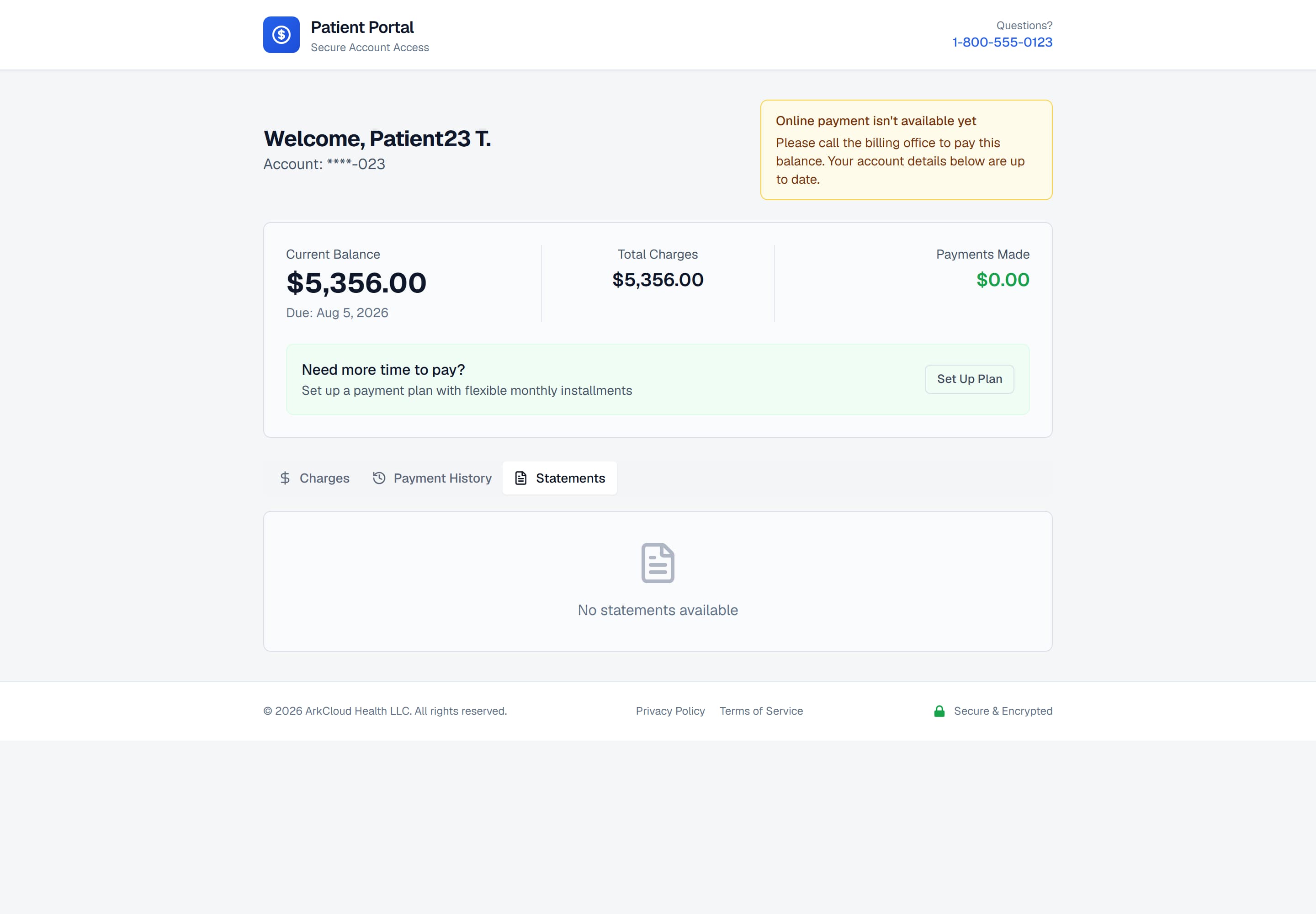
The Statements tab lists statements issued for this account, newest first, each with its issue date, period, due date and the balance it showed as of the issue date.
/portal/accounts/{access code}
| Field or control | What it means |
|---|---|
| Which statements | Up to the 24 most recent statements for the account. Statements the organisation has suppressed (withheld) are not shown. |
| Amount | The closing balance as of the statement's issue date - not today's balance. |
| Download | Produces a PDF from the statement's own figures: opening balance, new charges, payments, adjustments, closing balance, minimum due and due date. It does not list individual charges. |
Why a statement differs from the balance
A statement is produced on a date and is not revised afterwards. The balance in the portal is current. When an insurer pays, an adjustment posts, or a new charge is added after a statement was issued, the two legitimately disagree.
Being told a statement is ready
Where the organisation has switched on patient messaging, a patient is sent a short email or text message with a fresh portal link when a statement is issued. The message contains the patient's first name and the link - no amount, account number or other detail. The link is valid for 45 days.
| Field or control | What it means |
|---|---|
| Switched on by | The organisation's patient-messaging policy, set by an Admin from either ArkCloud RCM → Settings → Patient messaging or ArkCloud Rehab → Administration → Appointment reminders. Both screens change the same switch and the same single channel (email or text), so turning statement notices on also turns Rehab appointment reminders on where the organisation uses Rehab. Off by default. Every change is audited, with the screen it was made from. |
| Sent when | Within a few minutes of a statement being generated or sent, outside the organisation's quiet hours. One message per statement. |
| Not sent when | The patient has no consent for that channel (text consent is off by default), has no address or number on file, or the statement was suppressed. |
| Needs | An email or SMS provider configured on the deployment. Without one, the message is recorded as simulated and nothing is sent. |
For billing teams
Statements are generated in ArkCloud RCM. The portal does not generate them; it lists what was generated.
| Field or control | What it means |
|---|---|
| Where statements are produced | ArkCloud RCM, under Patient AR → Statements. See statements. |
| What a patient sees | Statements for their own account only. A request for any other statement gets the same "not available" answer whether it exists or not. |
| Access code on the statement | Statements do not carry a portal access code. Patients reach the portal from a link sent by email or text - by the statement notification, or by staff from the account's Statements tab. |
| Download is recorded | Each download, and each download refused to a signed-in patient, is written to the portal audit log. A request with an expired or invalid session is refused and logged by the application, not in the portal audit log. |