
Patient portal
Messages, disputes and financial assistance
The portal's Messages & help tab lets a patient message the billing office, set how they want to be contacted, dispute a charge and ask for help paying. This page says what each one does and where it arrives for staff.
Written for: Patients · Billing teams · Patient financial services · Implementation teams
The Messages & help tab
Patient portal → your account → Messages & help
The tab has four panels. Each is tied to the patient's own record by their verified session - nothing in it can name another patient or account.
| Field or control | What it means |
|---|---|
| Message the billing office | A conversation with the billing office: an optional subject and a message of up to 4,000 characters. Replies from staff appear in the same panel. |
| How we contact you | Preferred channel (email, text message, post or the portal) and do-not-text, do-not-email, do-not-call and do-not-post choices. Saved and dated; do-not-text and do-not-email also stop reminder, statement-notice and invitation texts or emails (see below). |
| Dispute a charge | What is wrong (a charge is wrong, insurance should have paid, charged twice, not my bill, identity used, something else), the amount disputed and a description. Returns a reference such as DIS-20261001-A1B2C3. |
| Ask for help paying | Household size, yearly household income, employment status and the reason. Nothing is decided on submission and the balance does not change. |
Where each submission arrives
| Field or control | What it means |
|---|---|
| Messages | The portal messages inbox at /dashboard/portal-messages, available to any ArkCloud RCM user. Unread conversations sort first. It is in the menu under Patient AR → Portal Messages. Nobody is notified of a new message, so someone has to check it. |
| Disputes | Stored as an open dispute against the patient's account, with normal priority and a 72-hour review deadline, and listed on Patient AR → Disputes with its type marked "(from portal)". While it is open, letter cadences produce no letters for the account. |
| Assistance requests | Listed on Patient AR → Financial Assistance with the program "Portal request". A supervisor or administrator opens it there and approves or denies it (since 2 October 2026 other staff roles cannot decide it); the decision, who made it and the reason are recorded on the request. Approval does not change the balance by itself. |
| Contact preferences | Stored and dated as the patient's own choice. Ticking do-not-text or do-not-email also turns off the text or email consent flag on the patient record, which appointment reminders, statement notifications and portal invitations read - so the opt-out is honoured. Statement, payment and portal-link texts also read the do-not-text choice itself. Un-ticking a box does not turn consent back on. The separate "Yes, email me about my appointments, care and bills" box is the patient's own email opt-in, recorded as given in the portal; otherwise staff record consent on the patient record, saying how the patient gave it. Do-not-call and do-not-post are stored on the preference record only. |
Disputes, in ArkCloud RCM
ArkCloud RCM → Patient AR → Disputes
The Disputes screen's Log New Dispute records a dispute for a patient who phones in, with a category, an amount and a description. It writes to the same place as the portal, and both appear in the list on that screen; a portal dispute's type ends in "(from portal)". Working a dispute through to resolution (assigning, notes, adjustment) is built on the server but has no screen.
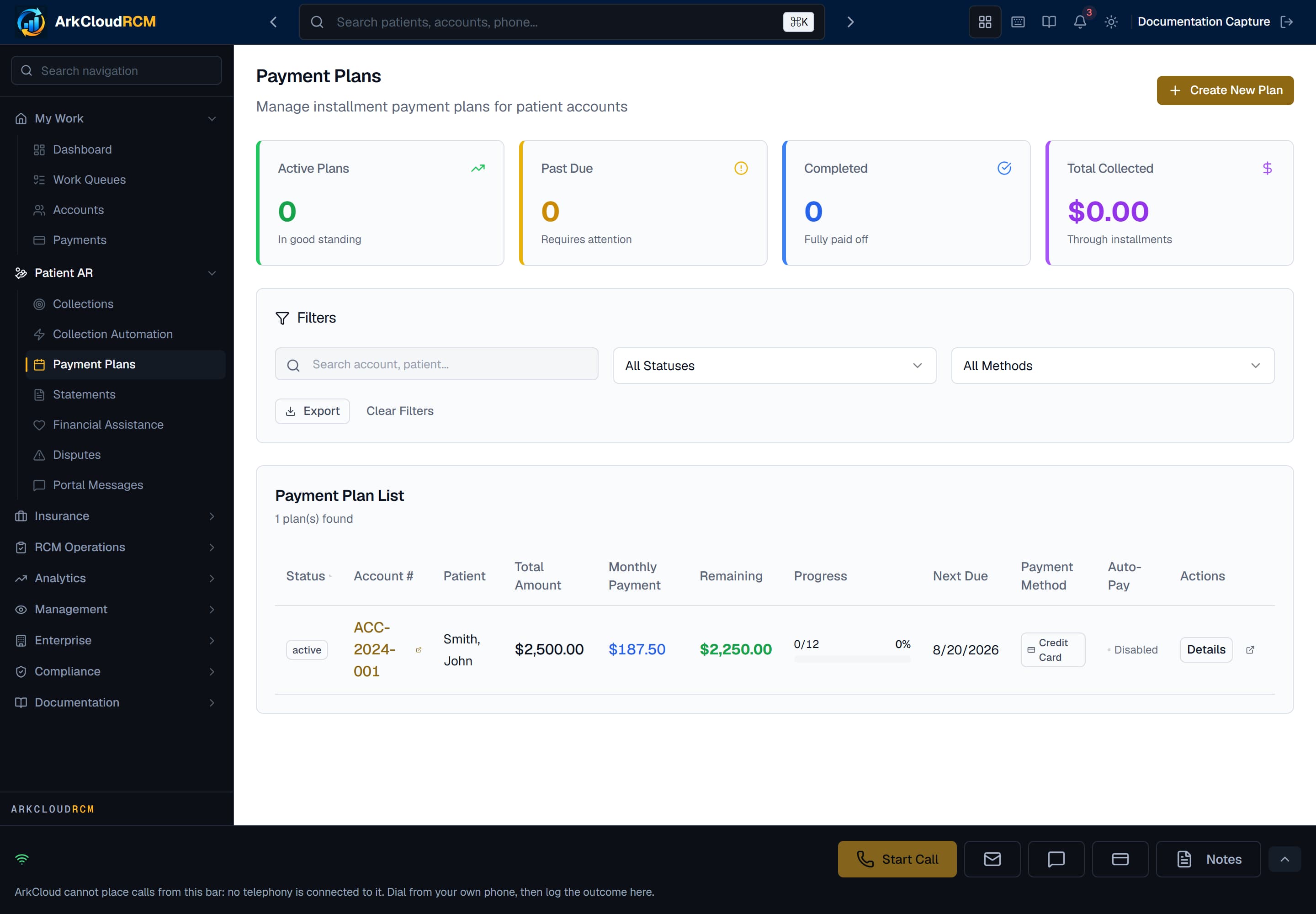
Patient AR → Payment Plans. Disputes sits in the same Patient AR menu group; there is no documentation screenshot of the Disputes screen yet.
Empty state. Captured in a demonstration organisation with no records of this type yet. The controls, columns and filters are the ones a populated screen uses.
/dashboard/ar/payment-plans
Financial assistance, in ArkCloud RCM
ArkCloud RCM → Patient AR → Financial Assistance
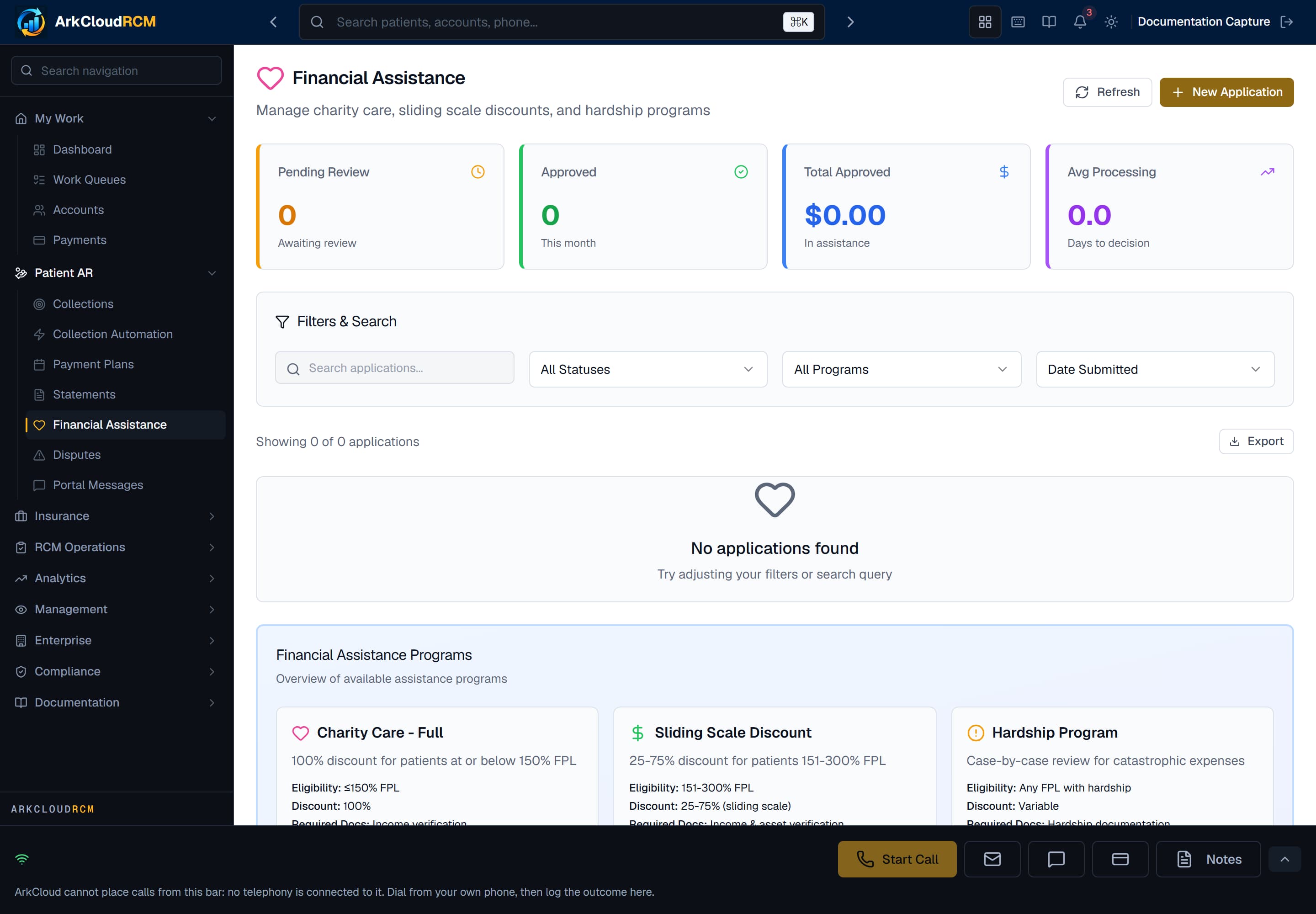
The financial assistance workspace, shown before any application has been recorded. It lists applications recorded by staff and requests sent from the portal (program: Portal request).
Empty state. Captured in a demonstration organisation with no records of this type yet. The controls, columns and filters are the ones a populated screen uses.
/dashboard/financial-assistance
| Field or control | What it means |
|---|---|
| Who records an application | A member of your billing or patient financial services team, on the patient's behalf - or the patient, from the portal, which appears as a Portal request. |
| Who decides | Your organisation, under its own charity care or assistance policy. ArkCloud records the decision; it does not make one. |
| Effect on the balance | Approving an application records the decision and an approved amount. It does not by itself post an adjustment - the balance changes when an adjustment is posted to the account. |
For implementation teams
Before telling patients to use the Messages & help tab, decide who checks the portal messages inbox, the Disputes list and the Financial Assistance list, and how often - nobody is notified when something arrives. See financial assistance and disputes for the staff workflows.