
Patient portal
Payment history
The card payments a patient has made through the portal. It answers 'did my online payment go through' - it is not a full record of every payment on the account.
Written for: Patients · Billing teams
What it shows
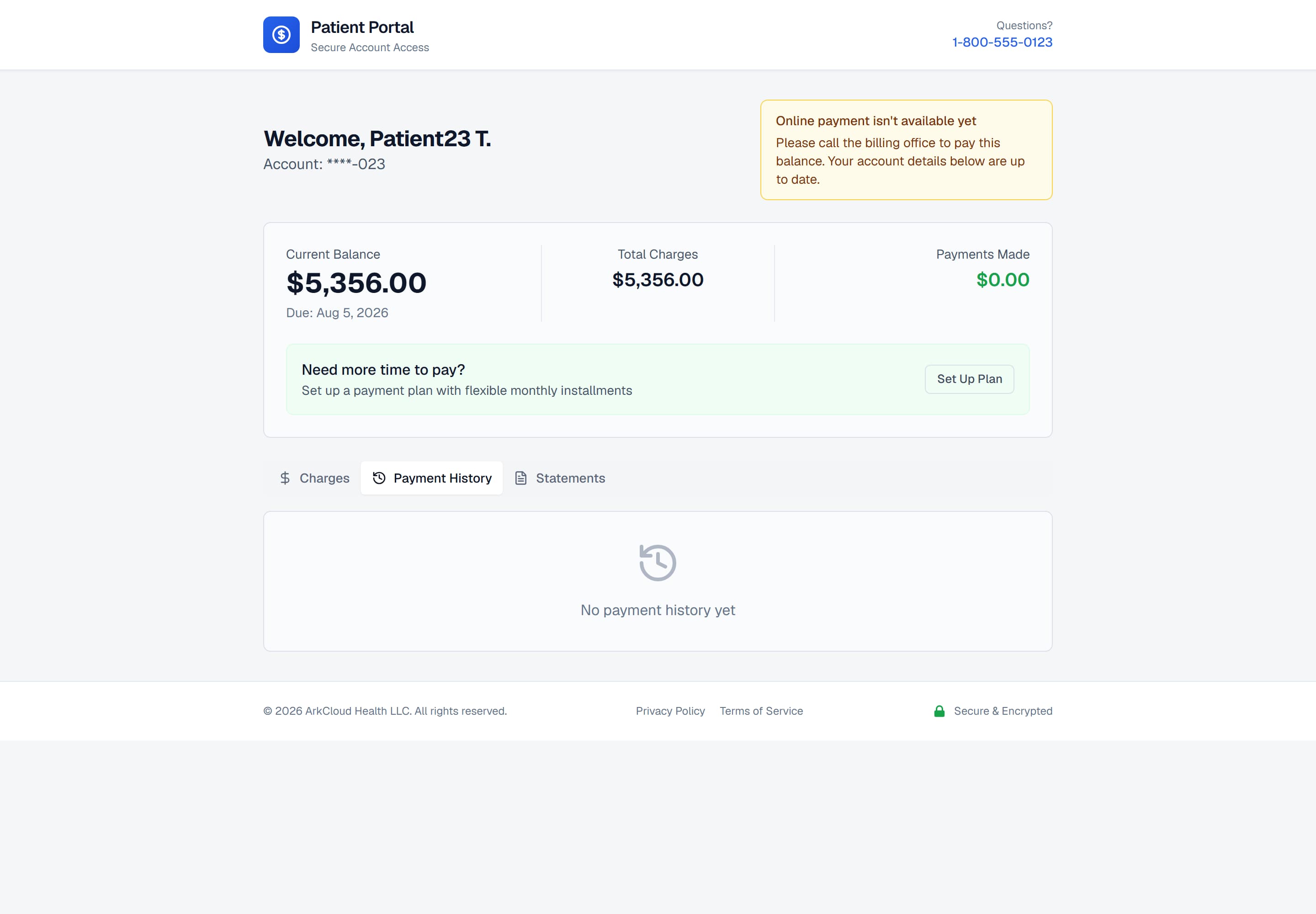
The Payment History tab. It lists payments made through the portal; a payment taken by phone, by post or at a desk is not listed here, even though it reduces the balance.
/portal/accounts/{access code}
| Field or control | What it means |
|---|---|
| Date | When the card payment was captured. |
| Method | Card brand (or payment type) and the last four digits. |
| Amount | The amount applied to the account, excluding any convenience fee. |
| Receipt | The receipt number. Quote this if you need to ask about the payment. |
Confirming a payment was received
A portal card payment appears here once the payment processor has confirmed it to ArkCloud, which normally takes seconds. If you have just paid and do not see it, reopen the account rather than paying again.
For billing teams
A portal card payment is posted to the account ledger and written to the account timeline, where staff see it. Payments your team records do not appear in the patient's Payment History tab, so a patient who paid by phone will not see that payment listed - only the lower balance. See payment posting.