
ArkCloud Access
Registration and intake
Three related things: registering a patient, asking them the questions your organisation asks, and recording their typed-name consent to a document you wrote.
Written for: Patient access teams · Front-desk teams · Compliance reviewers · Implementation teams
Digital registration
Launcher → ArkCloud Access → Registration
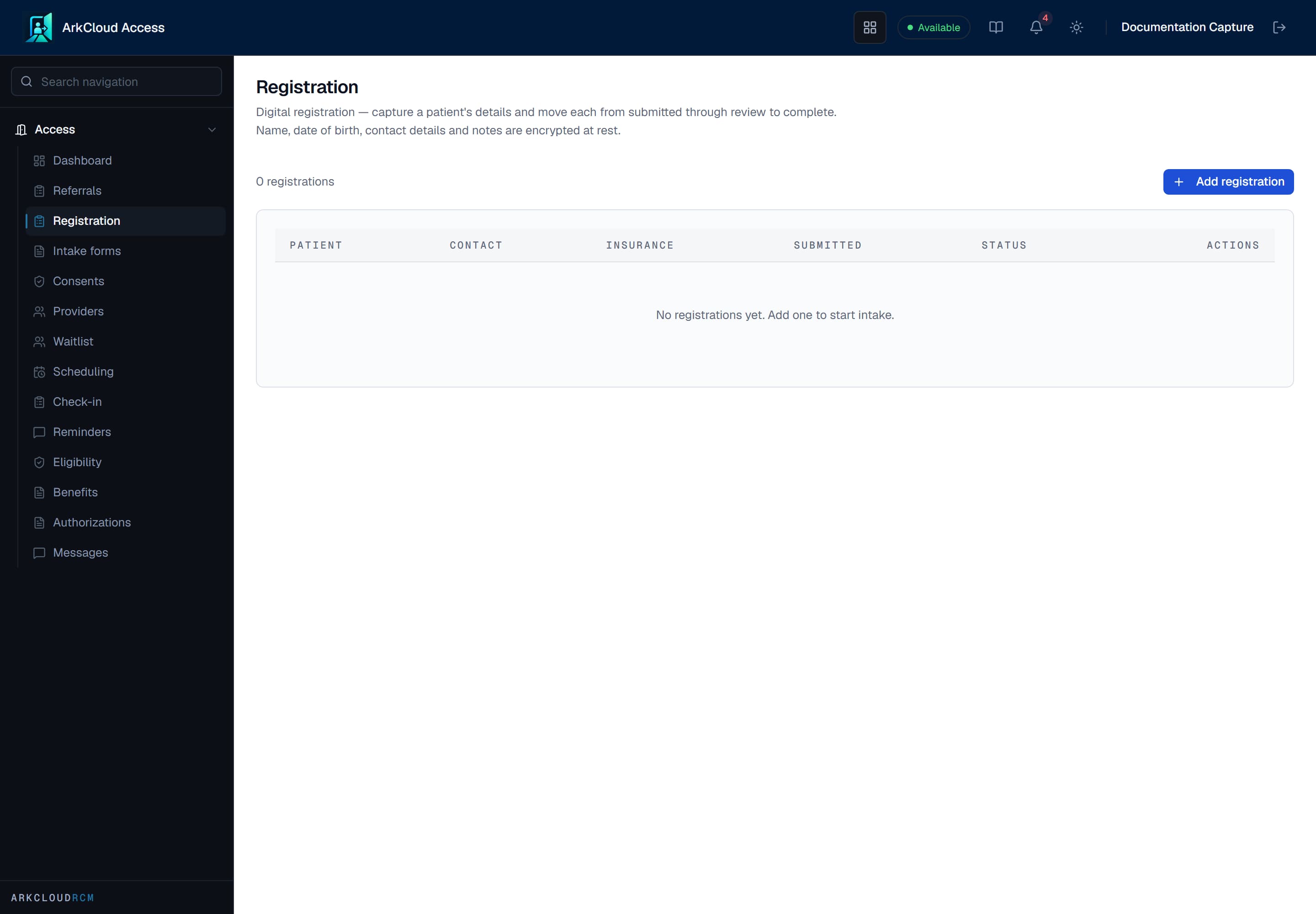
Registrations in progress with their completion state, so a partially-completed registration is visible rather than being discovered when the patient arrives.
/access/intake
| Field or control | What it means |
|---|---|
| Patient name and date of birth | Encrypted at rest. |
| Contact details | Phone, email and address. Encrypted at rest. |
| Notes | Free text recorded during registration. Encrypted at rest. |
| Insurance name and preferred contact | The payer's name and how the patient prefers to be contacted. Not encrypted - neither identifies the patient. |
| Status | Draft, Submitted, In review or Completed. |
Send to Rehab. Where your organisation also has ArkCloud Rehab, an Access administrator can send a registration to Rehab. You confirm how the name splits into first and last and the date of birth, and either pick the patient if they are already on file or create a new Rehab patient. A new patient passes the duplicate check (a strong match is refused unless you confirm it) and takes its MRN from your organisation's MRN policy. The registration is then marked as sent to Rehab.
| Capability | Status | What that means here |
|---|---|---|
| Digital registration queue (Access) | Available | Registrations in progress with status Draft, Submitted, In review or Completed. A registration is not a patient chart until an Access administrator sends it to Rehab. |
| Send to Rehab (referral, registration or waitlist entry) | Available | An Access administrator sends the record to Rehab after confirming how the name splits into first and last and the date of birth. Nothing is re-typed; nothing is guessed.Requires: An Access administrator, and an organisation that also has ArkCloud Rehab. |
| Registering a patient (Rehab) | Available | Add patient searches for an existing record first, then creates one with name, date of birth and record number. A strong possible duplicate is refused unless someone confirms it. |
A therapy clinic that works mainly in Rehab can skip this queue and register the patient directly with Add patient on Rehab's Patients screen - see the front desk guide.
Intake questionnaires
Intake fields are defined per organisation rather than fixed by the product, because intake is where organisations differ most. A questionnaire is a definition; a submission is a patient's answers to it.
Consent and e-signature
A signature records the signer's name, their relationship to the patient, the document and its title at the time of signing, and when it was signed. It does not keep a copy of the text that was presented, and a consent document's text can be edited after people have signed it. To change a consent that has been signed, create a new document and deactivate the old one, so the record of what each person saw stays answerable.
The signer's name is encrypted at rest alongside the signature record.
The provider directory
A find-a-provider directory of your own organisation's clinicians - it is not a directory of outside referring physicians, which ArkCloud Rehab keeps separately (see the status below and referring providers). It holds professional information about clinicians - specialty, credentials, location, languages and whether they are accepting new patients. It contains no patient data at all, which is why it is the one Access surface that can be reasoned about without reference to encryption.
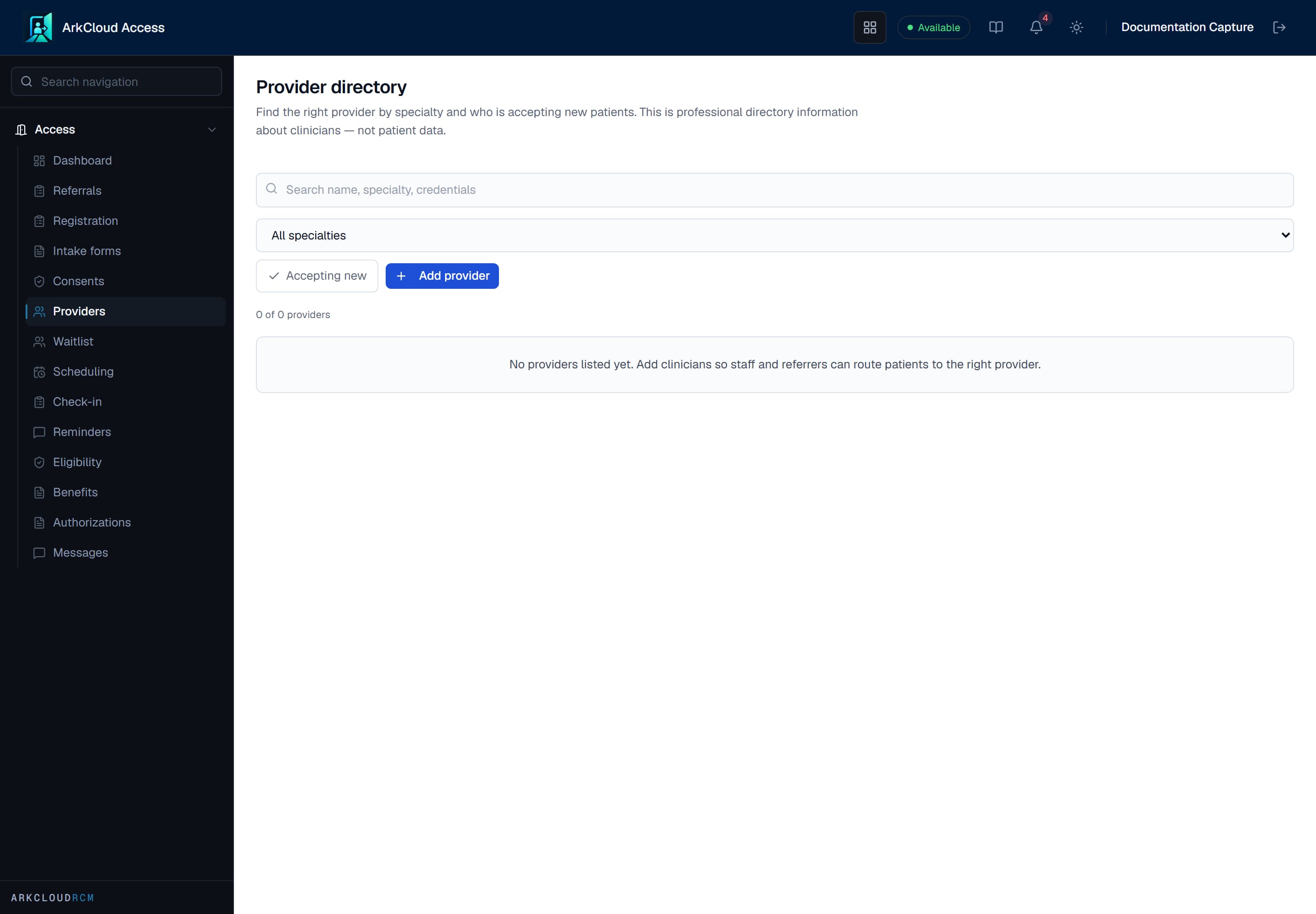
The provider directory before any provider is listed. It holds professional information about clinicians and no patient data.
Empty state. Captured in a demonstration organisation with no records of this type yet. The controls, columns and filters are the ones a populated screen uses.
/access/providers
Referring-provider directoryPartially available
Staff can add an outside physician or practitioner with an NPI (checked for a valid check digit) and a Direct address or fax number, and mark the entry verified, recording how it was checked. There is not yet a screen to edit or remove an entry, or to match a referral to an entry. A listed provider gets no access to ArkCloud.