
ArkCloud Access
Waitlist
Patients waiting on capacity, held as records rather than as a note on somebody's desk. The test of a waitlist is what happens when a slot cancels at short notice.
Written for: Patient access teams · Front-desk teams · Operations
How to get there
Launcher → ArkCloud Access → Waitlist
What the waitlist holds
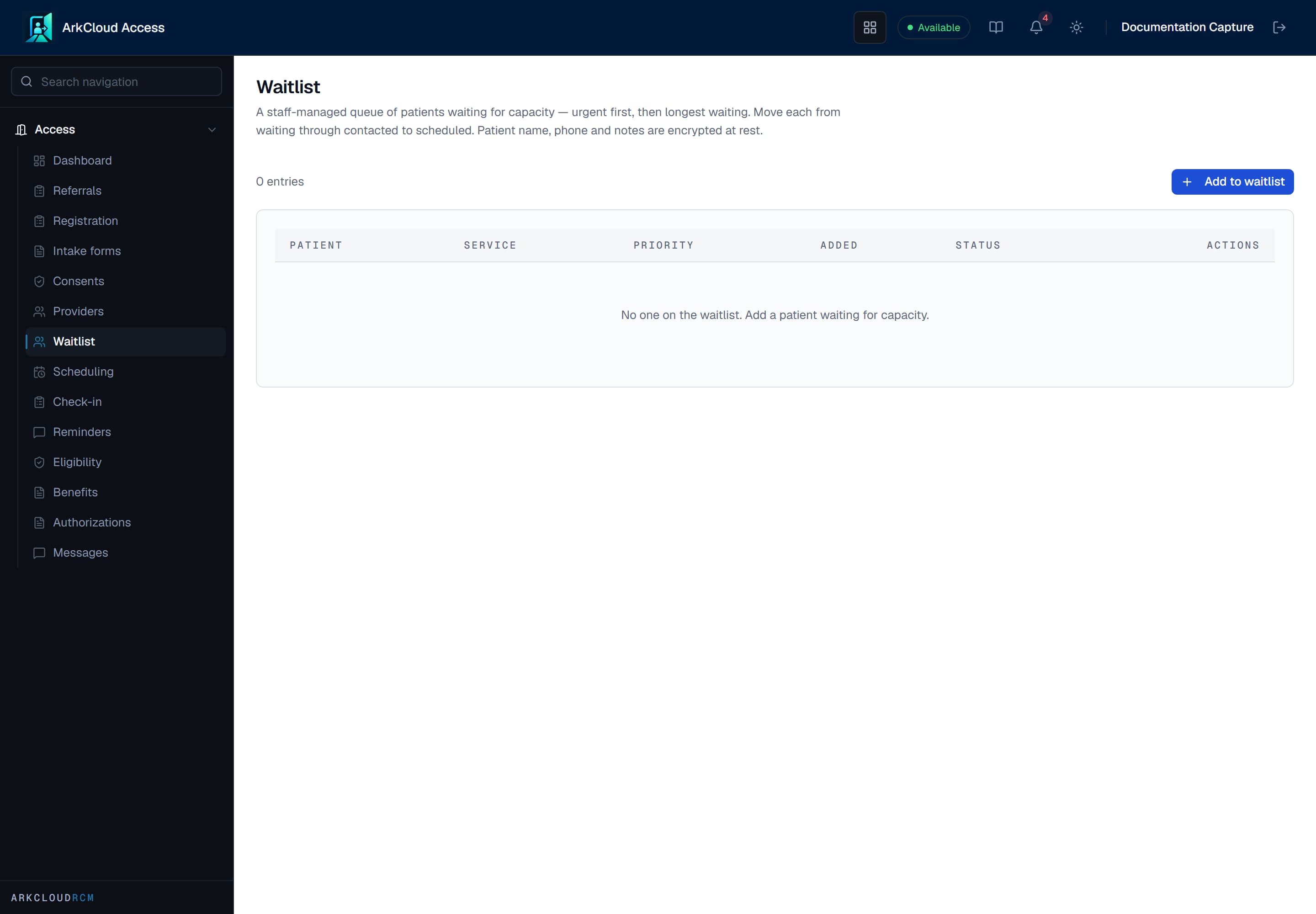
The waitlist as queryable records. Because each entry is a record rather than a line in a document, a cancelled slot can be matched against the list instead of against whoever happens to be remembered.
/access/waitlist
| Field or control | What it means |
|---|---|
| Patient name | Encrypted at rest. |
| Contact phone | Encrypted at rest. The thing you need when a slot opens. |
| Notes | Context about the wait - constraints, preferences, urgency. Encrypted at rest. |
| Service type and priority | What the patient is waiting for, and how urgently. |
| Status | Waiting, Contacted, Scheduled or Removed. |
| Added | When the patient joined, which is what makes wait time measurable. |
Why records rather than a list
A waitlist kept in a document or a spreadsheet fails in three predictable ways: it is not searchable when a slot opens with an hour's notice, it is not reportable when somebody asks how long people wait, and it has no access control, so it ends up shared more widely than the information in it justifies.
Important considerations
Send to Rehab. Where your organisation also has ArkCloud Rehab, an Access administrator can send a waitlist entry to Rehab. You confirm how the name splits into first and last and the date of birth, and either pick the patient if they are already on file or create a new Rehab patient; either way they are added to the Rehab waitlist. A new patient passes the duplicate check (a strong match is refused unless you confirm it) and takes its MRN from your organisation's MRN policy. The waitlist entry is then marked as sent to Rehab.