
ArkCloud Access
Referrals and triage
An inbound referral becomes a record with a source and a reason, worked from a shared queue. The point is that nothing depends on who happened to read the fax.
Written for: Patient access teams · Front-desk teams · Operations · Evaluators
How to get there
Launcher → ArkCloud Access → Referrals
Working the referral queue
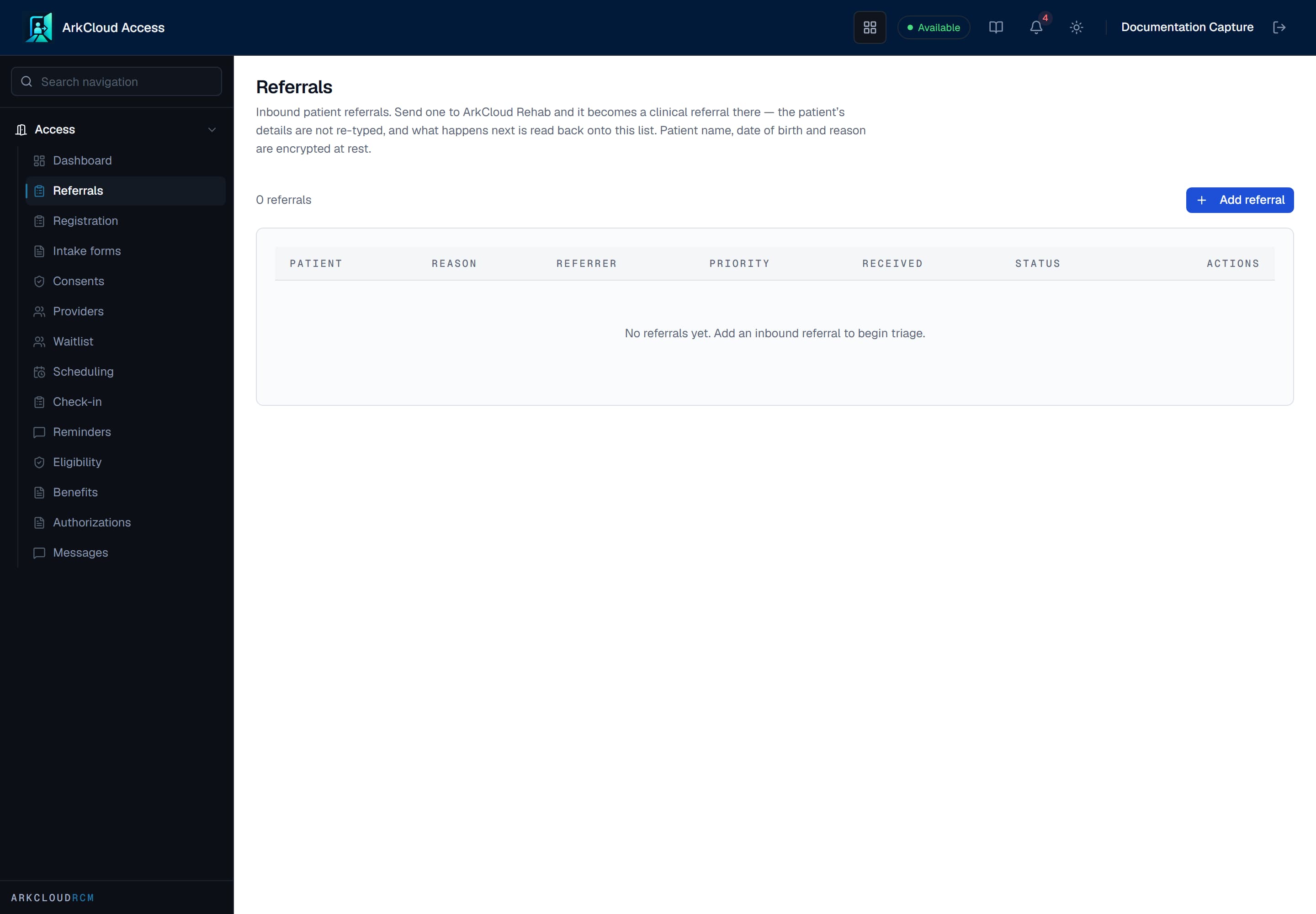
Inbound referrals as records rather than as messages. Each carries its source and the reason for referral, so triage is a decision somebody made about a record rather than about a document on a desk.
/access/referrals
- Open the referral queue.
- Open a referral to see its source, reason and patient details.
- Triage it by setting its status: New, In review, Accepted, Scheduled or Declined.
Expected result: the referral carries its status. Registration is a separate record; creating one does not happen automatically from an accepted referral. An Access referral is a log entry, not a patient record - no patient exists until it is sent to Rehab and accepted into care there.
A faxed or paper referral is typed in - ArkCloud has no fax inbox. Upload the scanned pages themselves in Rehab as an outside record so the clinician can read them - see documents and scanning.
What a referral carries
| Field or control | What it means |
|---|---|
| Patient identifiers | Name and date of birth. Encrypted at rest. |
| Referring provider and organisation | Who sent the referral. Not encrypted, so referral sources can be reported on. |
| Specialty and priority | The service asked for, and Routine or a higher priority. |
| Reason for referral | Why the patient is being referred. Encrypted at rest. |
| Status | New, In review, Accepted, Scheduled or Declined. There is no separate field for a decline reason. |
Sending a referral into clinical care
A referral accepted here is a front-desk decision. Turning it into care is a clinical one, and it happens in ArkCloud Rehab. Send to Rehab hands the referral over without anybody re-typing it.
- Open the referral queue and choose Send to Rehab on a referral.
- Confirm the two things this record cannot carry on its own - how the name splits into first and last, and the date of birth.
- Optionally set the discipline. Leaving it for clinical triage is a normal answer.
Expected result: a clinical referral exists in Rehab carrying the referrer, the reason and the urgency from this record. This row stops being the authority on what happens next: its status is read from the clinical referral, and the local status control disappears.
Sending is safe to repeat. A double-click, a retried request, or two coordinators acting at once produce one clinical referral, not two copies of one person’s arrival.
The control is absent when the organisation does not hold ArkCloud Rehab. A referral filed into a product nobody there can open would show as sent while the patient waited on a queue no one could read.
Why a queue rather than an inbox
An inbox is owned by a person; a queue is owned by a team. A referral in an inbox is invisible while its owner is away, has no recorded age, and cannot be reported on. The same referral in a queue can be picked up by anybody, has a measurable time to triage, and leaves a record of who decided what. For a service that is judged on how quickly it responds to referrals, that difference is the product.