
ArkCloud Workforce
Scheduling and availability
Who is working when. Availability is what somebody can do; the schedule is what they have been assigned; productivity is what came of it.
Written for: Workforce teams · Clinical managers · Operations leadership
This is not appointment scheduling
Availability
Launcher → ArkCloud Workforce → Availability
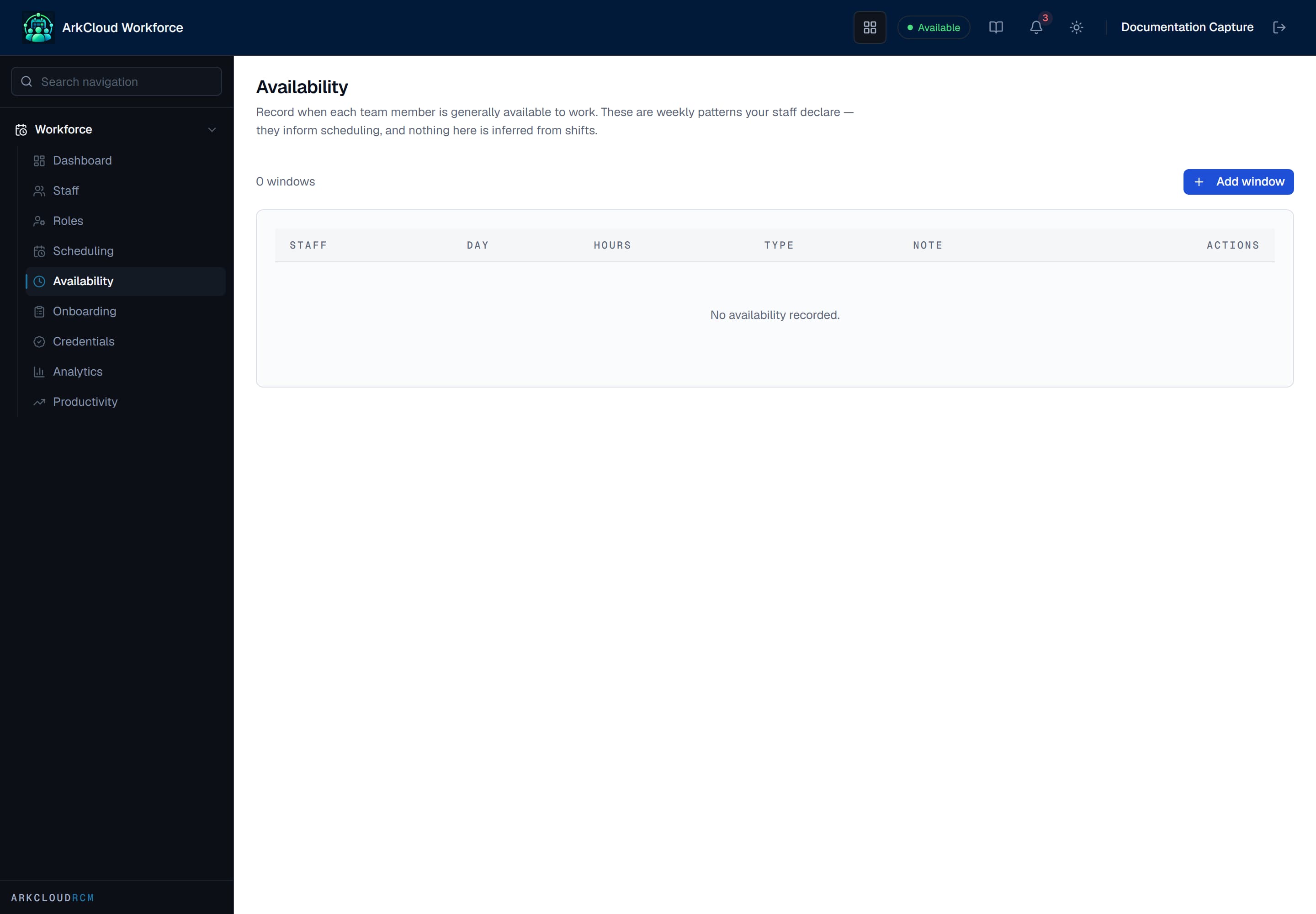
Availability is recorded as weekly recurring windows - the pattern somebody can normally work, which scheduling is then drawn against.
/workforce/availability
Recording availability first is what makes a schedule checkable. Without it, a shift that conflicts with somebody's commitments is only discovered when they say so.
Shift scheduling
Launcher → ArkCloud Workforce → Scheduling
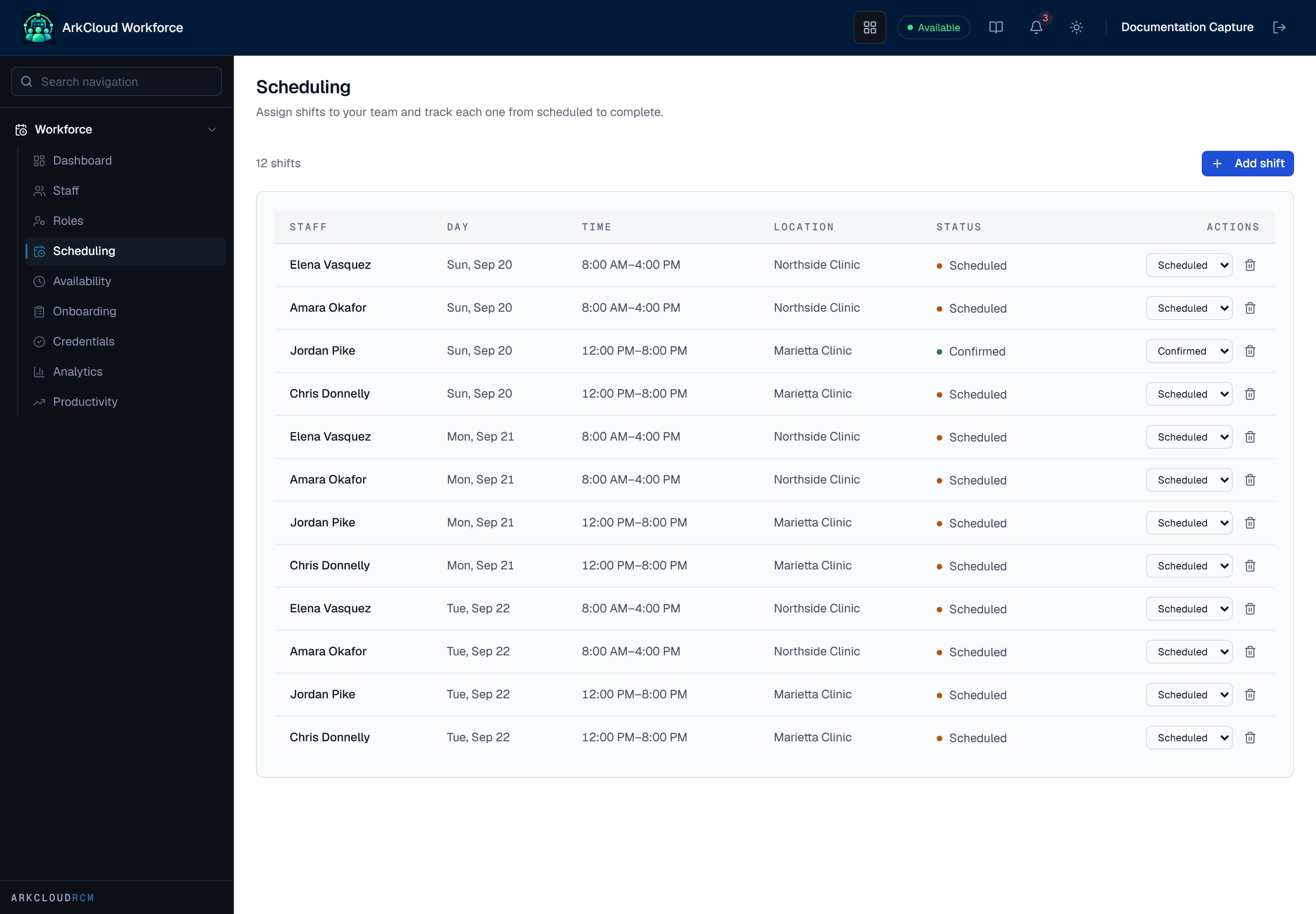
Assigned shifts across the scheduling window. Because shifts are records rather than a published document, a change is visible immediately rather than in the next version of a rota.
/workforce/scheduling
Productivity
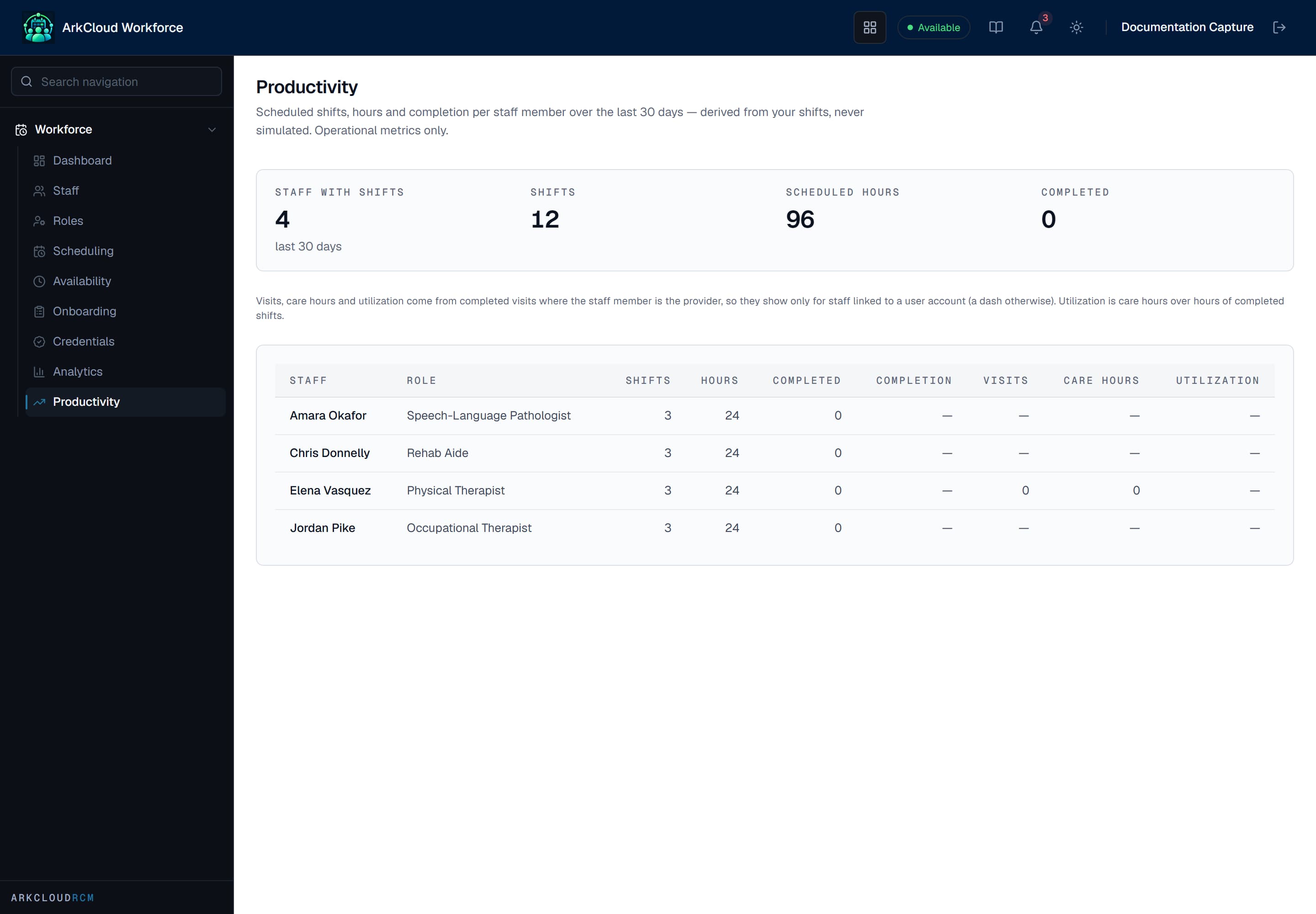
Productivity is derived from scheduled shifts, hours and shift completion over the last 30 days, plus completed visit counts for staff linked to a user account. It shows counts only, never patient identity.
/workforce/productivity
| Field or control | What it means |
|---|---|
| Scheduled shifts | How many shifts a person was assigned in the window. |
| Hours | Scheduled hours in the window. |
| Shift completion | How many assigned shifts were completed. |
| Visits and care time | For a staff member linked to an ArkCloud user account only: completed appointments where that user was the provider, and their booked minutes. Unlinked staff show none. |
What shift scheduling does not do
Shift scheduling does not book patients. Matching a clinician's shifts to the hours patients can book is done in Providers(provider scheduling): it shows shifts, Rehab bookable hours and booked time side by side, and can block time or open bookable hours from a shift. It does not create shifts from bookable hours or move booked visits.