
ArkCloud Workforce
Credentials and onboarding
Two records that matter most at their edges: a licence about to expire, and a new starter who has not finished what they need to before their first shift.
Written for: Workforce and HR teams · Compliance reviewers · Clinical managers
Credential and licence tracking
Launcher → ArkCloud Workforce → Credentials
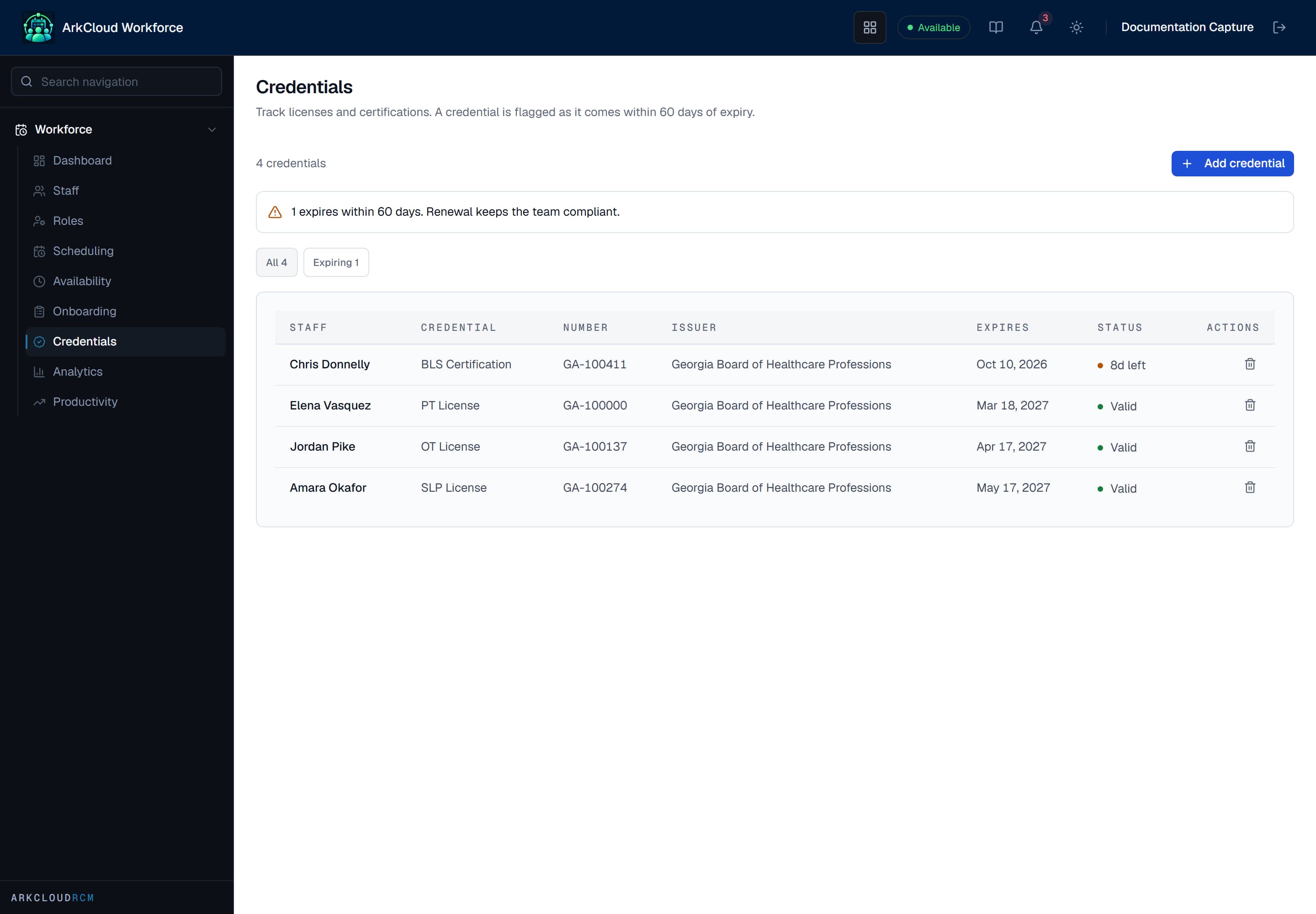
Each credential carries its issuing body and its expiry date, which is what makes 'expiring in the next 60 days' a question the register can answer.
/workforce/credentials
| Field or control | What it means |
|---|---|
| Credential | The licence, registration or certification held. |
| Issuing body | Who issued it - the authority a renewal has to come from. |
| Expiry | When it lapses. The field the whole register exists for. |
| Staff member | Who holds it. |
New-hire onboarding
Launcher → ArkCloud Workforce → Onboarding
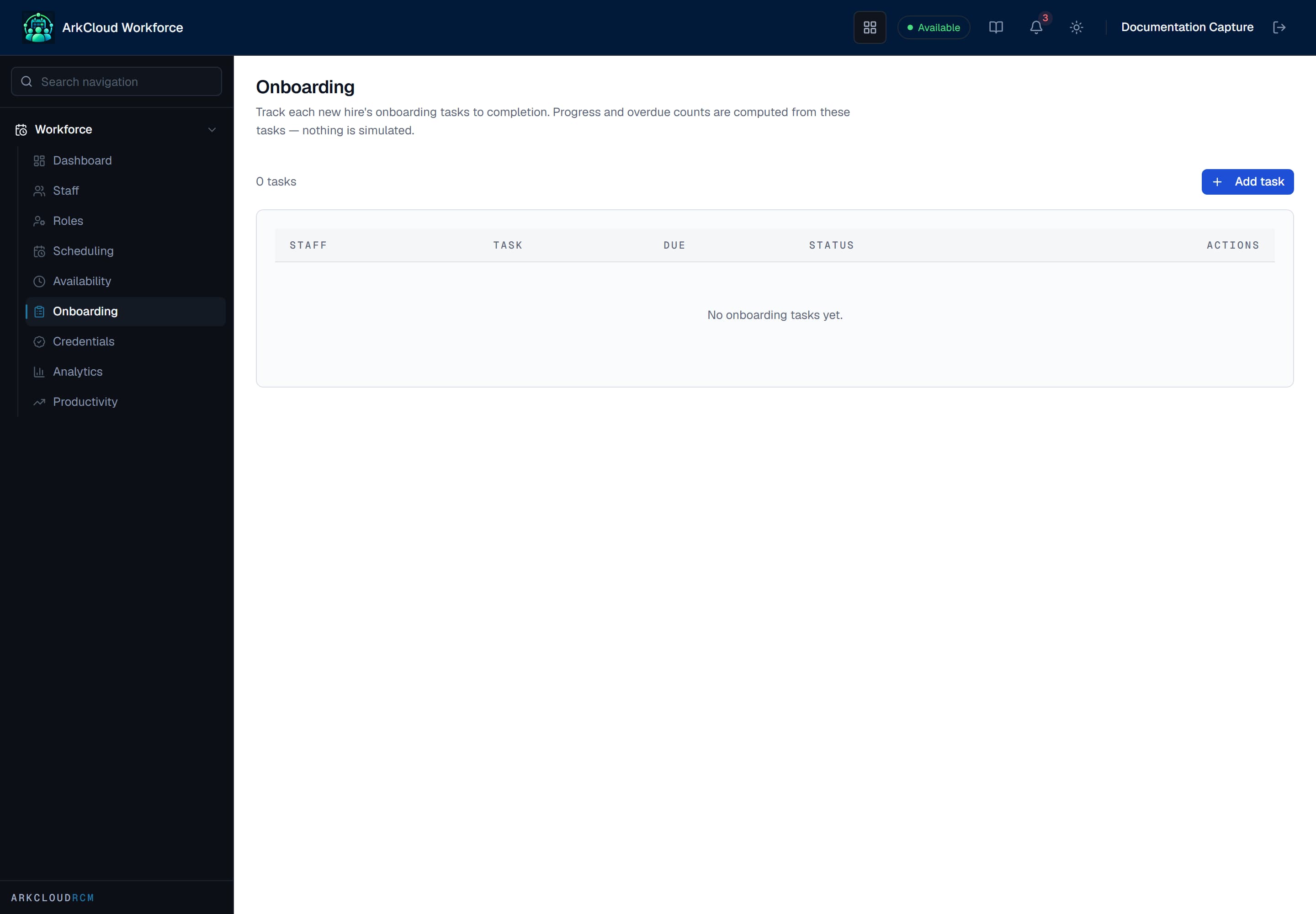
Onboarding checklists show each task and its completion state, so 'is this person ready to start' is a state rather than a conversation.
/workforce/onboarding
Staffing analytics
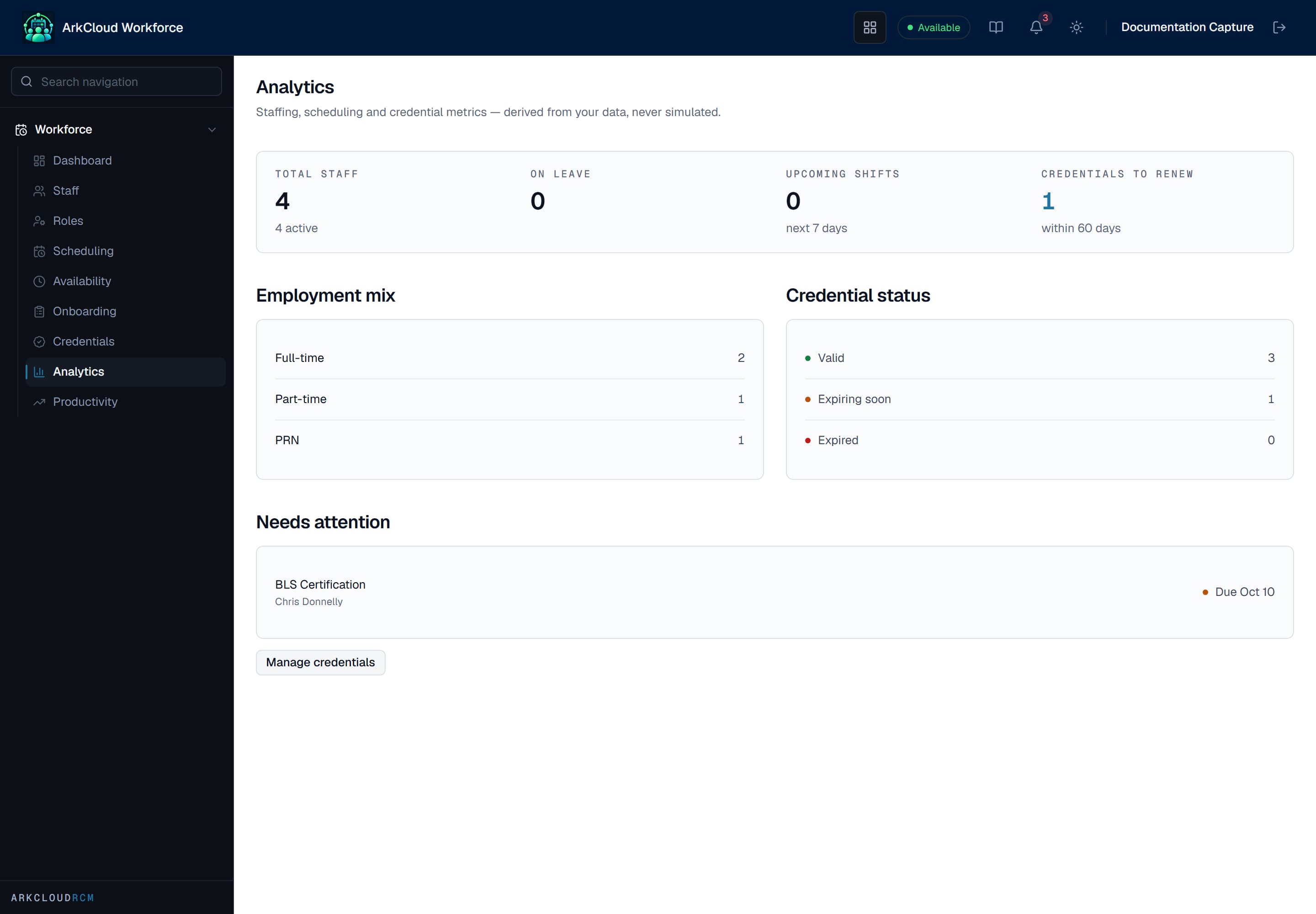
Staffing analytics aggregates the organisation's own staff, shift and credential records. Like everywhere else in ArkCloud, an organisation with little recorded data sees little rather than an estimate.
Empty state. Captured in a demonstration organisation with no records of this type yet. The controls, columns and filters are the ones a populated screen uses.
/workforce/analytics